Two very different indoor cameras
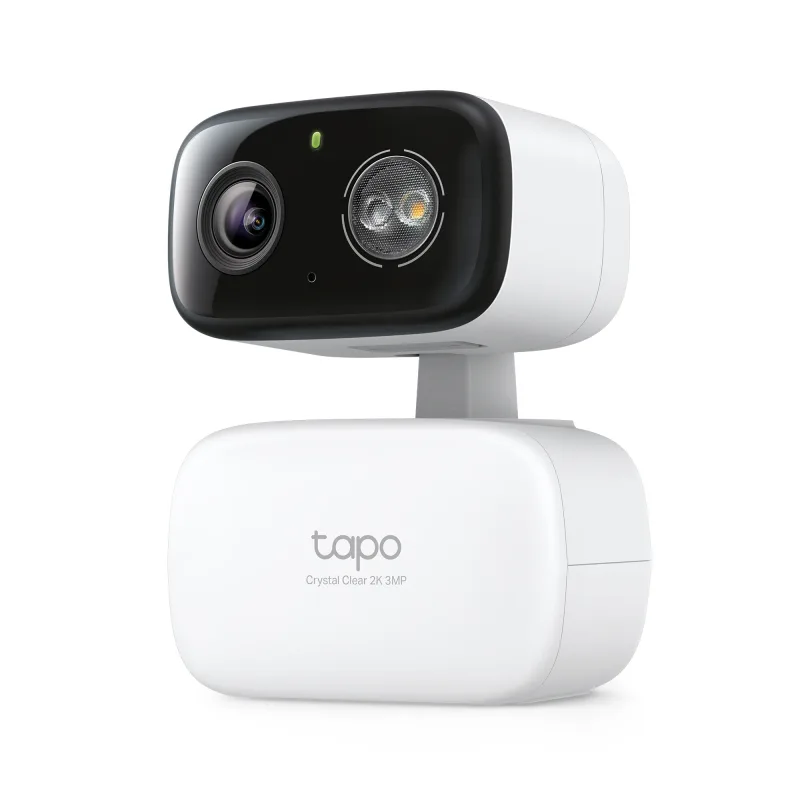
The Tapo C101 and the Tapo C216 HybridCam 360 sit at opposite ends of the indoor camera shelf. One is a small fixed camera you point at a single spot and forget about. The other swivels, tilts, and is built to cover a whole room — or a patio, if you want it to.
I've set up both. Here's what actually separates them in daily use.
Placement: fixed vs. pan and tilt
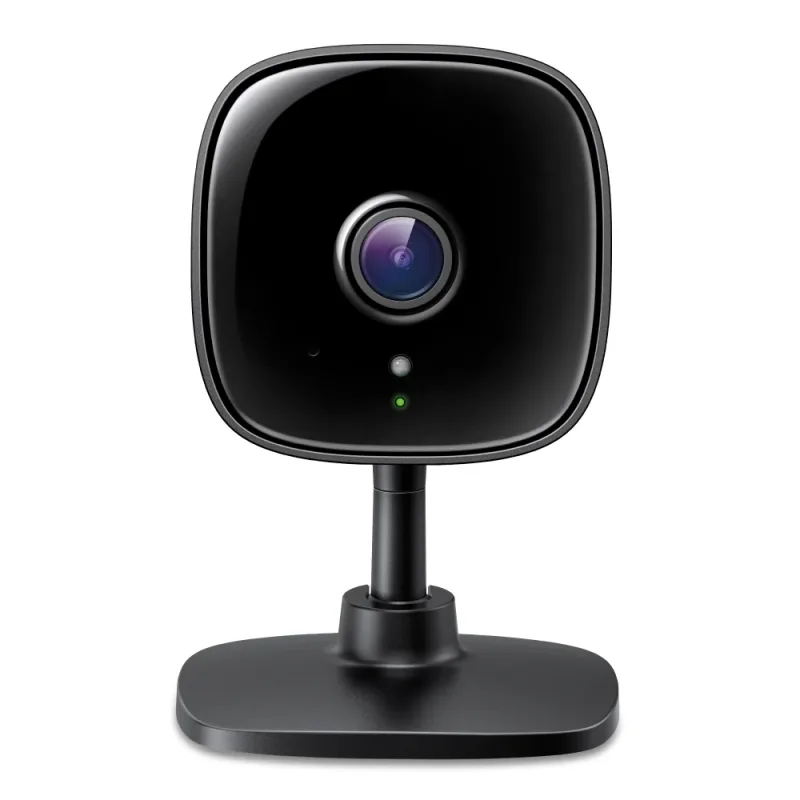
A fixed camera like the C101 lives where nothing moves. Think a rental hallway, a nursery corner, the top of a bookshelf aimed at a door. You mount it, angle it once, and that's the shot you get forever. That's not a flaw — it's the point. No motor noise, no repositioning, just a steady view.
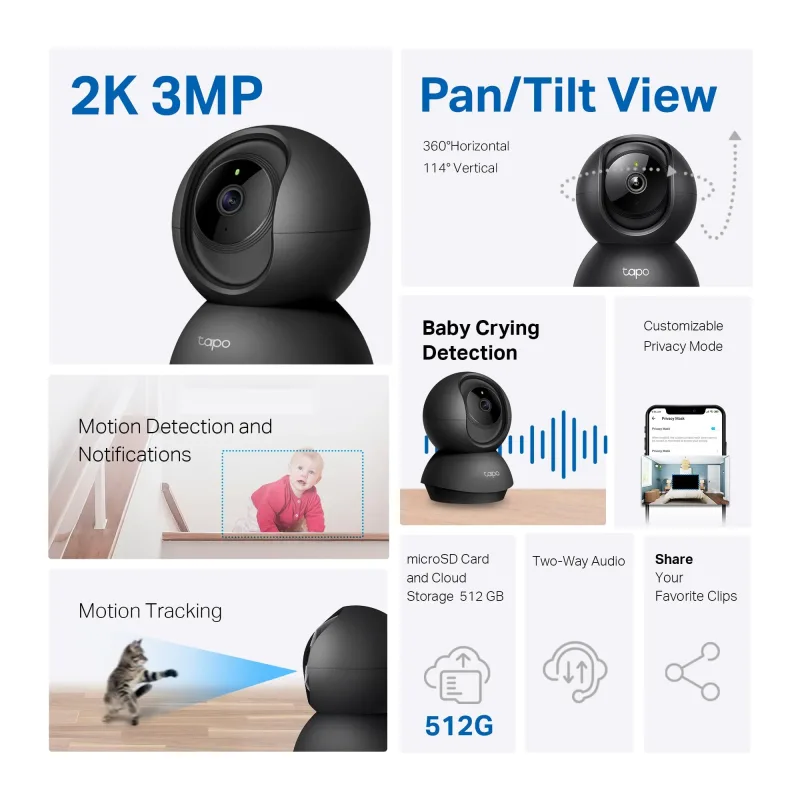
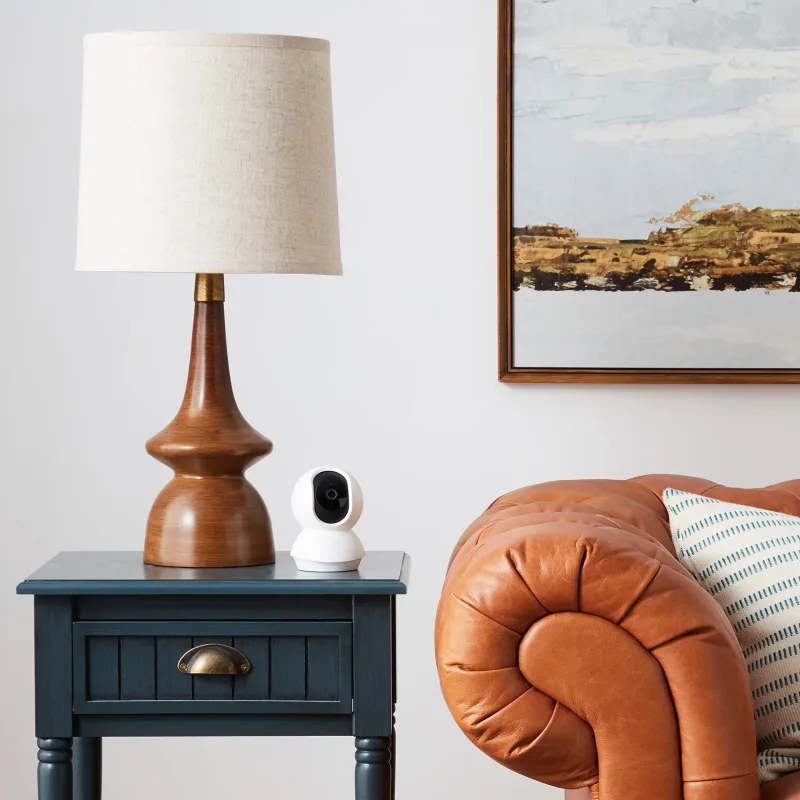
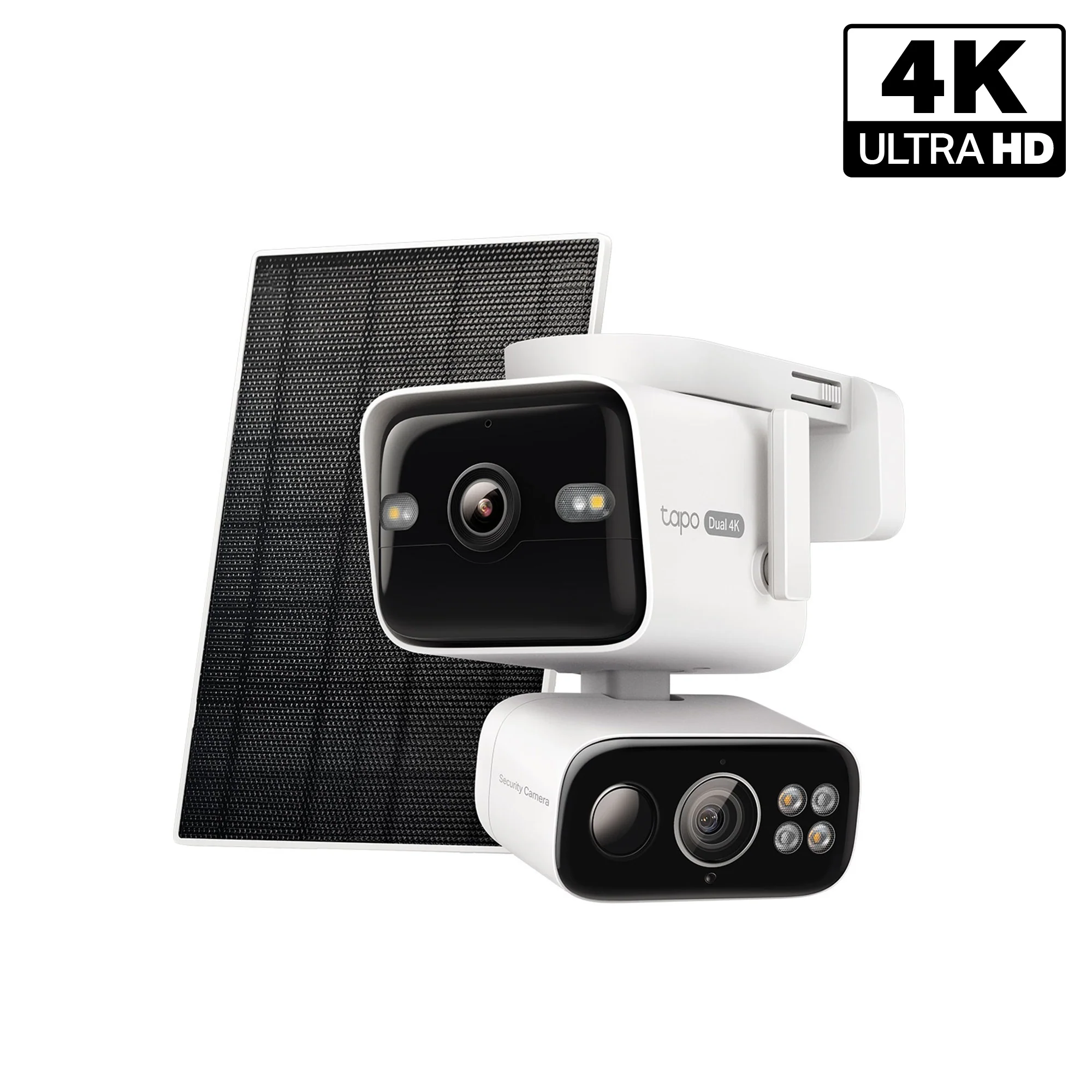
The Tapo C216 HybridCam 360 works differently. It spins on a motor, so one unit can watch a living room, then swing toward the kitchen entry when it detects motion. If your space is wider than a phone's field of view, that matters. A single fixed lens simply can't cover an open-plan apartment.
Where each one earns its place
- C101: entryways, cribs, pet corners, small offices, anywhere you need one honest angle.
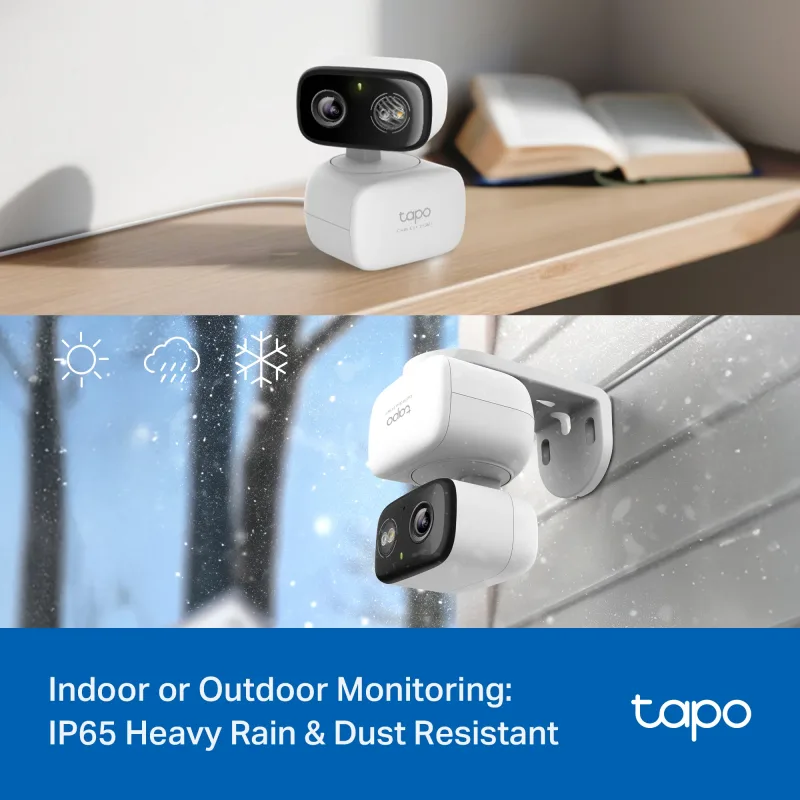
- C216: living rooms, long hallways, garage-adjacent rooms, or a covered porch where the weather swings.
One detail worth knowing: the C216 is rated for indoor and outdoor use. So if you've been shopping for something that can move between a windowsill and a back step, that flexibility is baked in.
Resolution and field of view
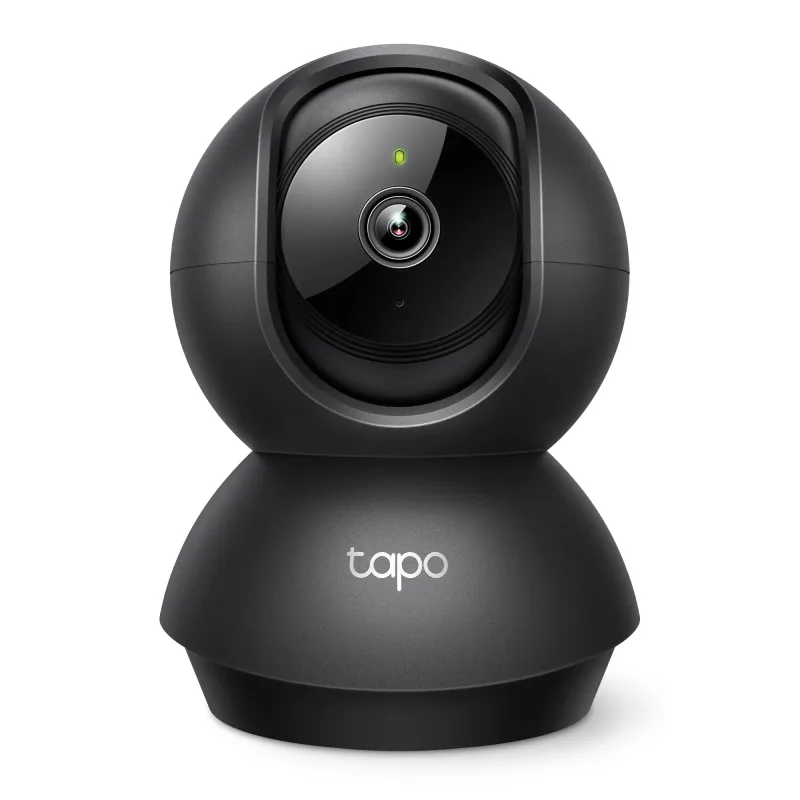
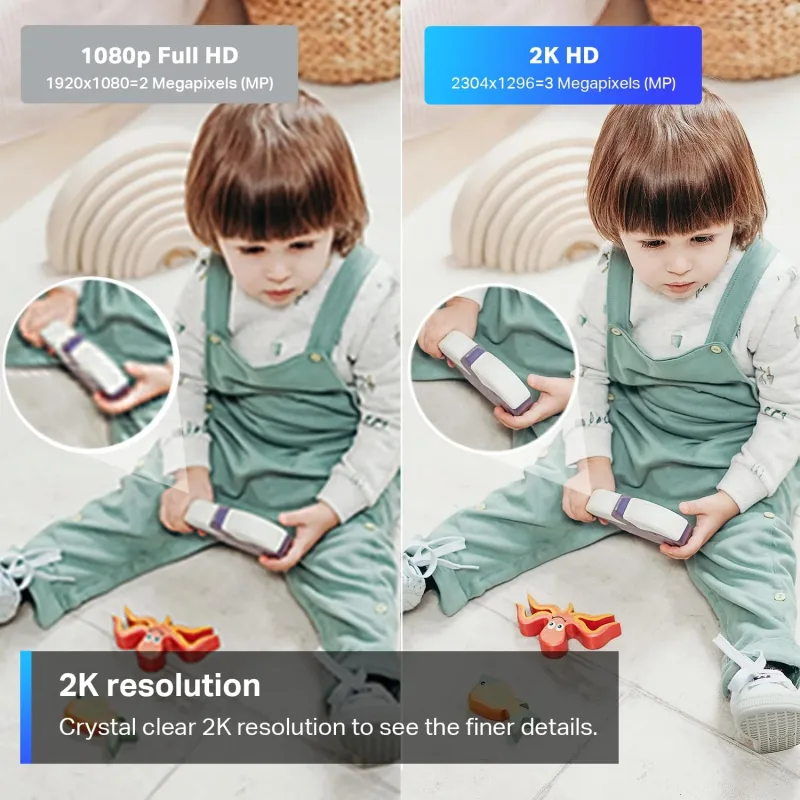
The C101 shoots 1080P. The C216 shoots 2K. On paper that reads like a small upgrade. In practice, 2K is the difference between recognizing a face at the far end of a hallway and squinting at a blur. If identification matters — packages, visitors, a pet sitter — lean toward 2K. Another 2K option if you want a similar feel: the Pan/Tilt 2K Indoor Camera Black, Tapo C211.
Field of view is the bigger split. A fixed lens gives you maybe 110 to 130 degrees. Pan and tilt gives you 360 horizontal coverage on demand. For a hallway, that's the whole argument. For a single doorway, it's overkill.
Multi-camera setups and bundles
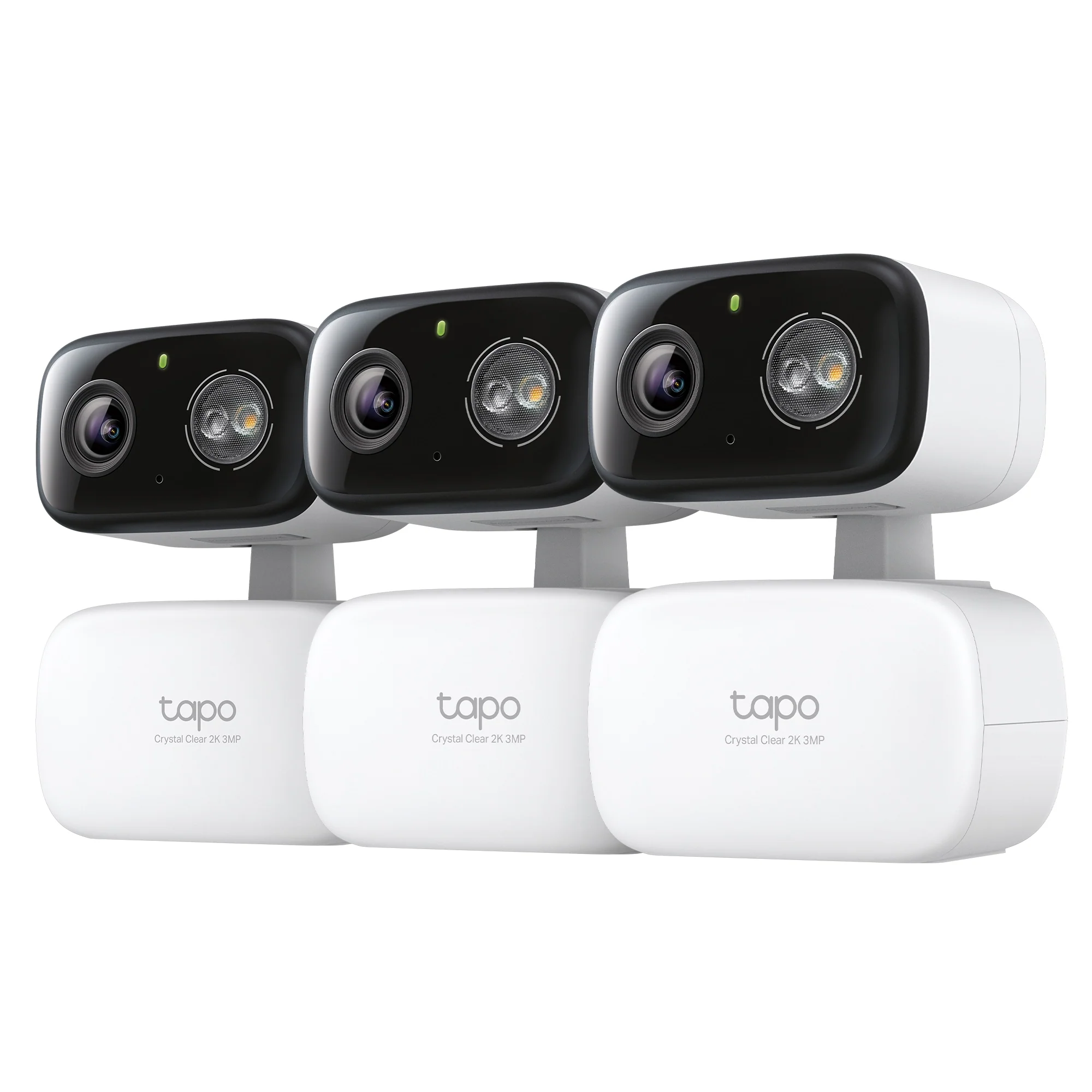
Here's where people usually get stuck. One camera rarely covers a whole home. Two or three do. If you're covering something like a split-level house or a shop floor, a Tapo C216 HybridCam 360 3-Pack trims the per-unit cost and keeps everything on one app.
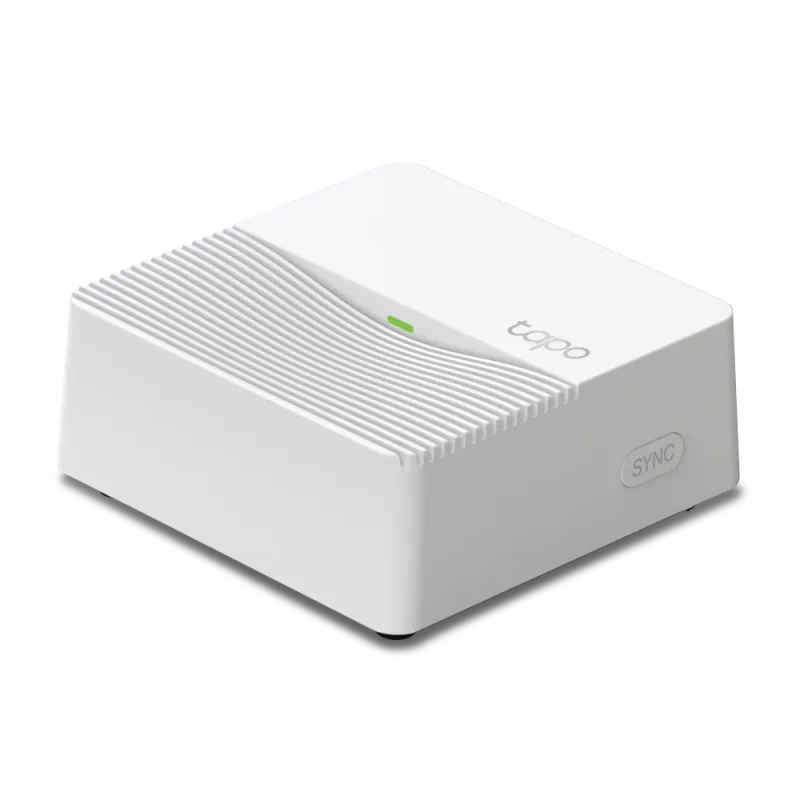
Pairing cameras with a hub is the next step. The Smart Hub with Smart Alarm & Chime, Tapo H200 ties sensors and cameras into one system, so a door sensor can trigger a recording instead of a lonely notification. And if you want the front entrance covered too, the Front Door Security Bundle – 2K Video Doorbell Camera + Keyless Door Lock handles the outdoor side while your indoor cams handle everything else.
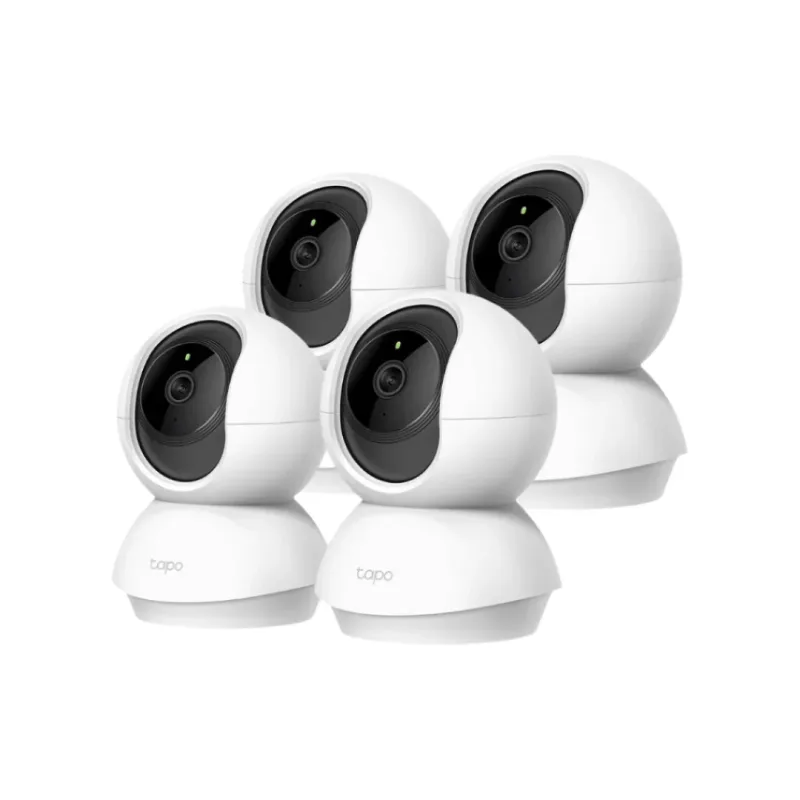
For larger properties, bundles like the Multi-Room Security Bundle – 2K Pan/Tilt Cameras 4 Pack exist precisely because most people underestimated how many angles they needed.
Who should buy which
Renters: the C101. It's small, it doesn't need drilling into a wall if you use a shelf, and you can take it with you when the lease ends.
Homeowners with open floor plans: the C216. The motor does the work a second camera would otherwise do.
Anyone with a covered patio or garage: also the C216, because of that indoor/outdoor rating.
Someone who just wants to check on a sleeping baby: the C101 is plenty, and 1080P at three feet away looks sharp.
If you're still comparing options, the 2K Indoor Security Camera Black – Tapo C111 splits the difference with 2K resolution in a compact fixed body.
A note on Wi-Fi
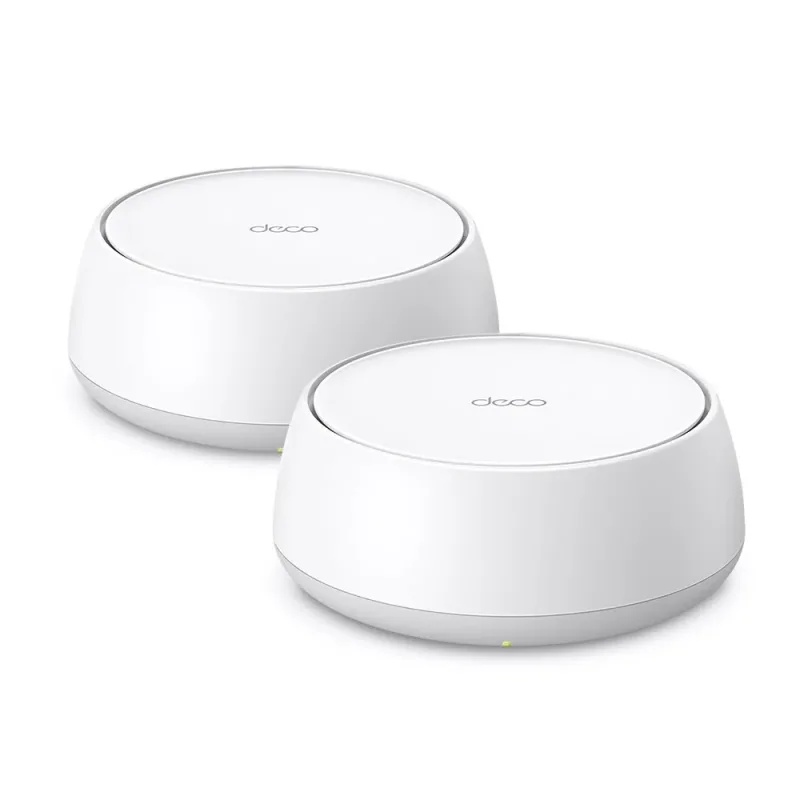
Cameras drop offline for boring reasons. Weak signal, crowded 2.4GHz band, a router shoved behind a TV. Before blaming the camera, check your mesh coverage — a system like the Deco 7 BE3600 Dual-Band Wi-Fi 7 Mesh System, Deco BE23 2-Pack fixes more "camera problems" than any firmware update I've tried.
Start with the room you actually worry about. Buy for that room, not for a hypothetical future setup.