Building a Smart Home Security Camera Setup That Actually Works
Choosing a smart home security camera is less about buying the single "best" model and more about matching each camera to the place it will live. A camera watching your living room has very different needs than one mounted above a driveway. This guide walks through indoor versus outdoor cameras, solar and floodlight options, doorbells, smart locks, sensors, and the hub and Wi-Fi foundation that ties everything together.
Indoor vs Outdoor Cameras: What Each Type Handles Best
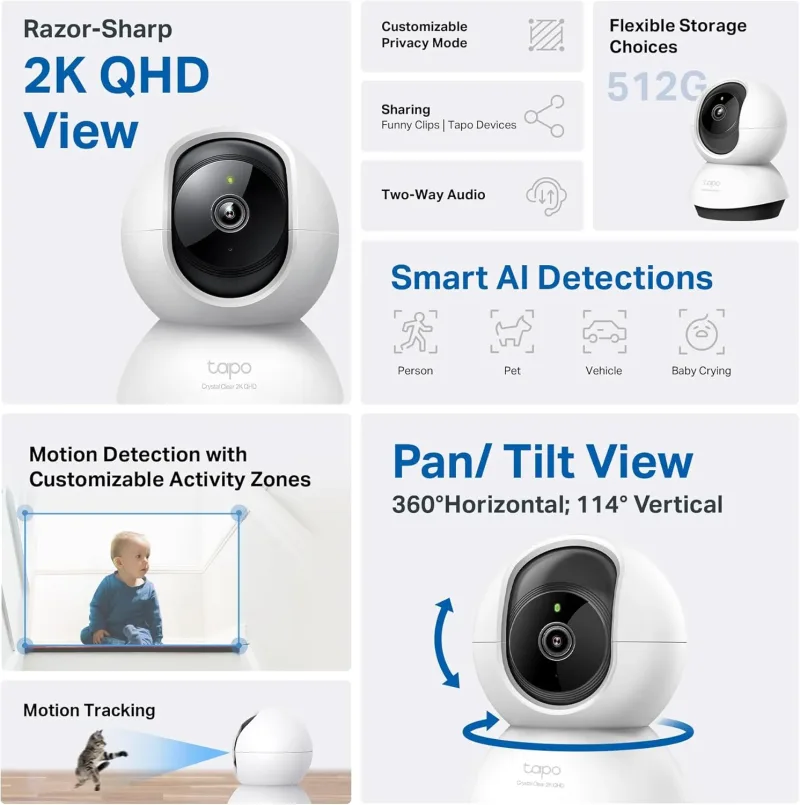
Indoor cameras prioritize clear views of faces and rooms, two-way audio, and pan/tilt coverage so a single unit can sweep a whole space. Outdoor cameras need weather resistance, night vision that works at distance, and often a wider field of view to capture porches, yards, and driveways.
Indoor picks
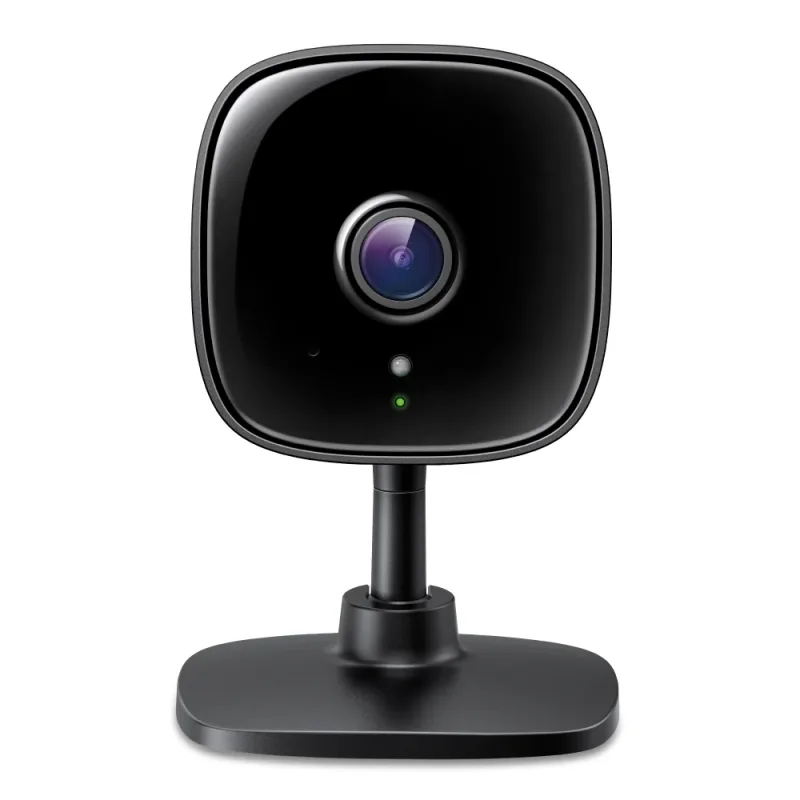
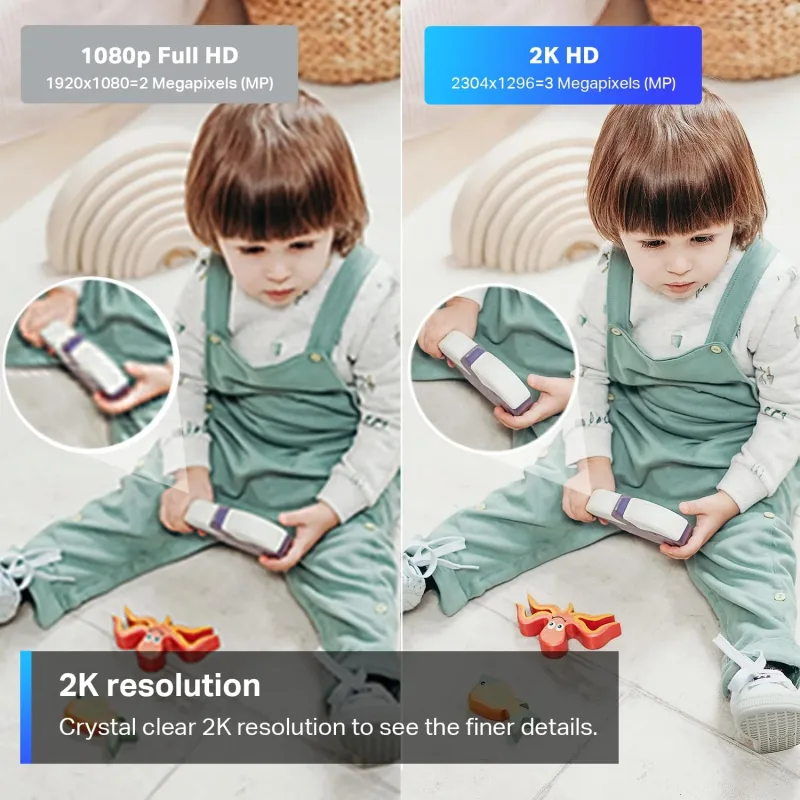
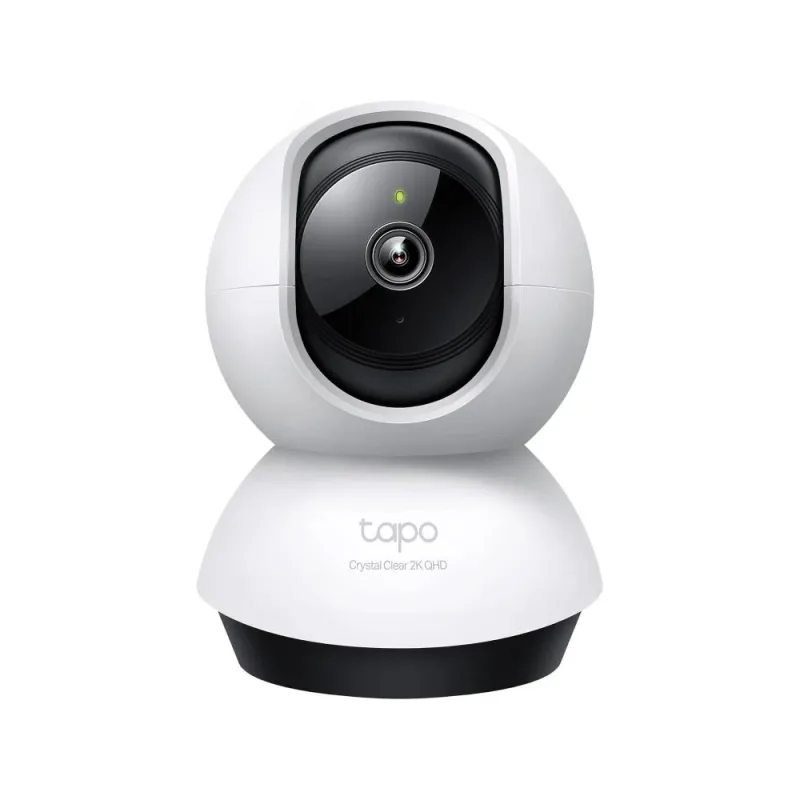
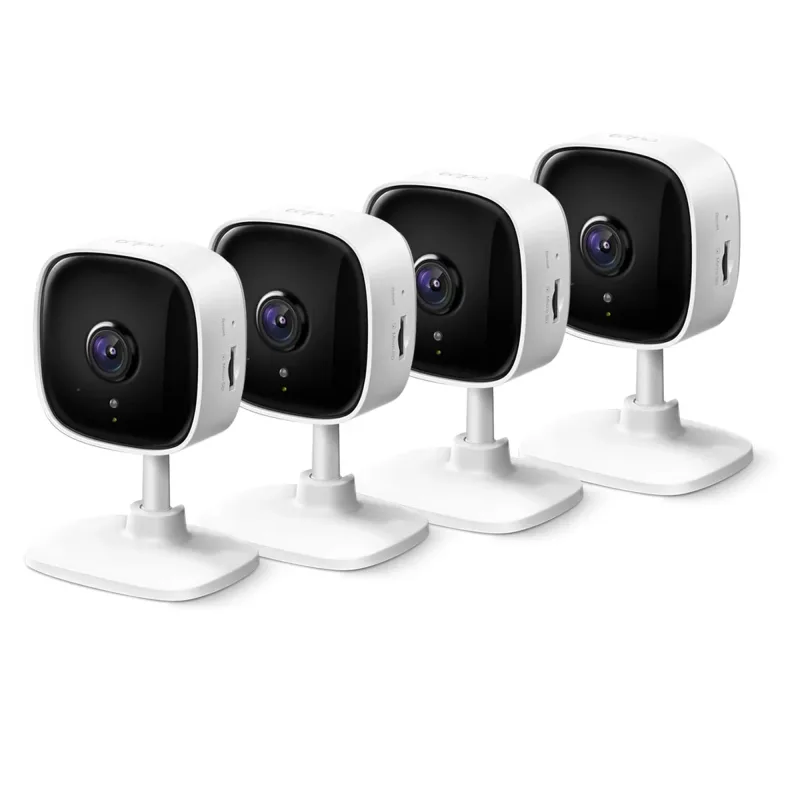
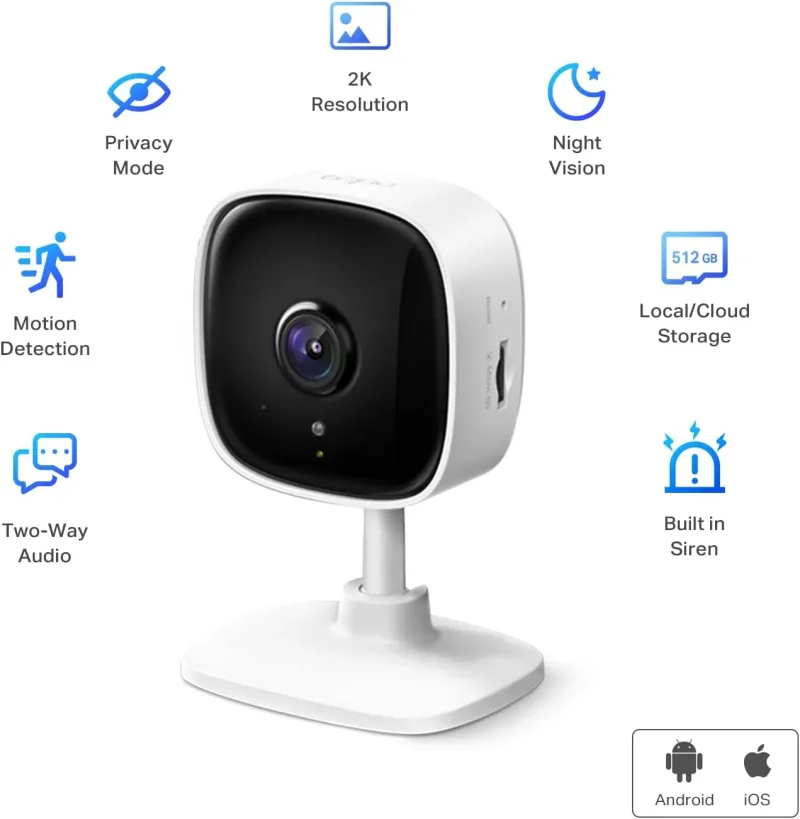
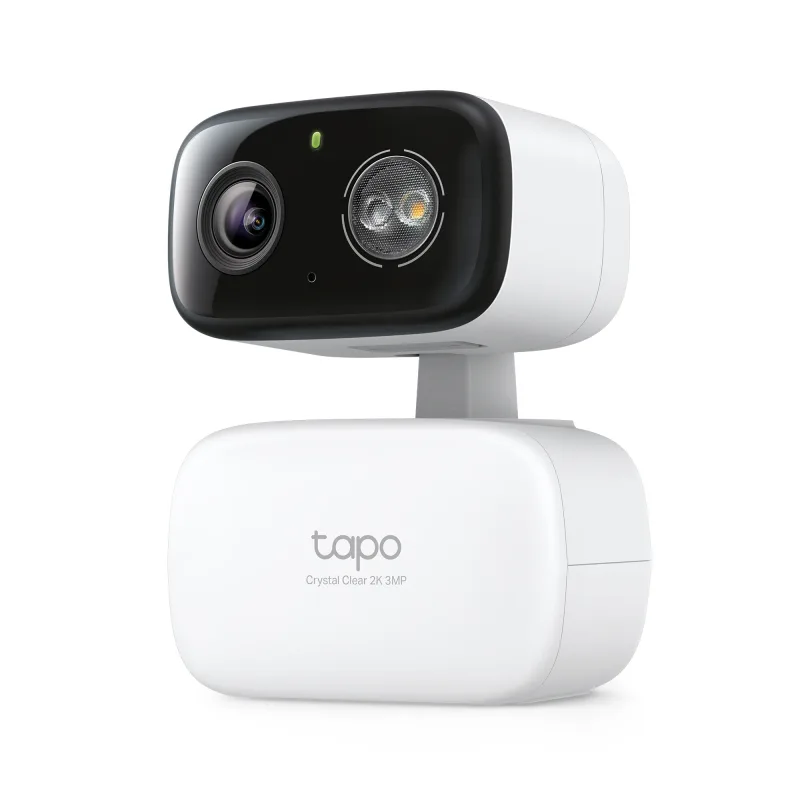
For a living room, nursery, or home office, a compact pan/tilt model is usually the right call. The 2K Indoor Security Camera Black - Tapo C111 delivers sharp 2K detail in a small body, while the Pan/Tilt 2K QHD Indoor Security Camera, Tapo C220 adds motorized pan and tilt so you can follow movement across a room. If you want to cover several rooms at once, the 2K Indoor Security Camera 4 Pack, Tapo C110P4 is a practical multi-room option.
Outdoor and hybrid picks
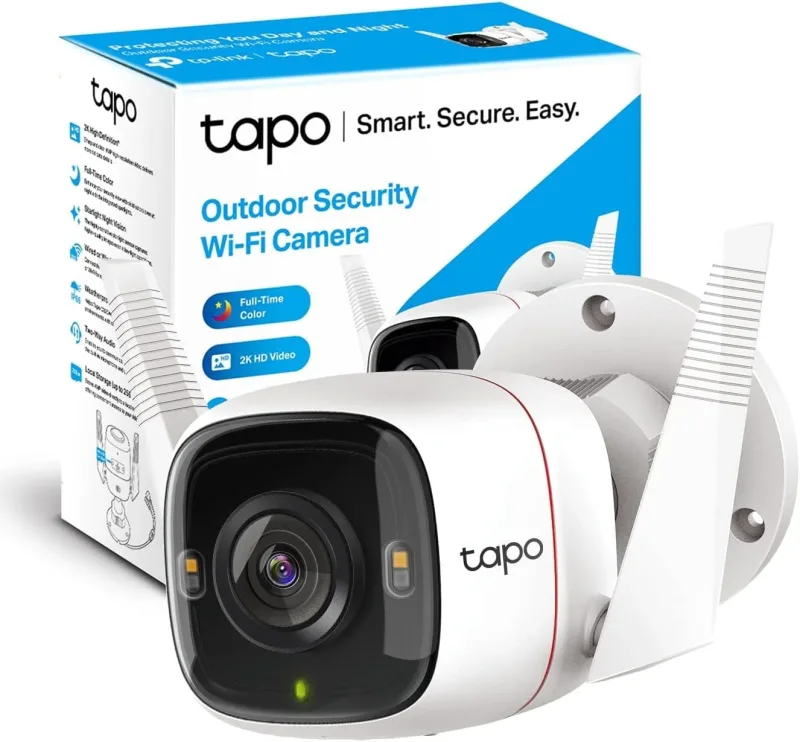
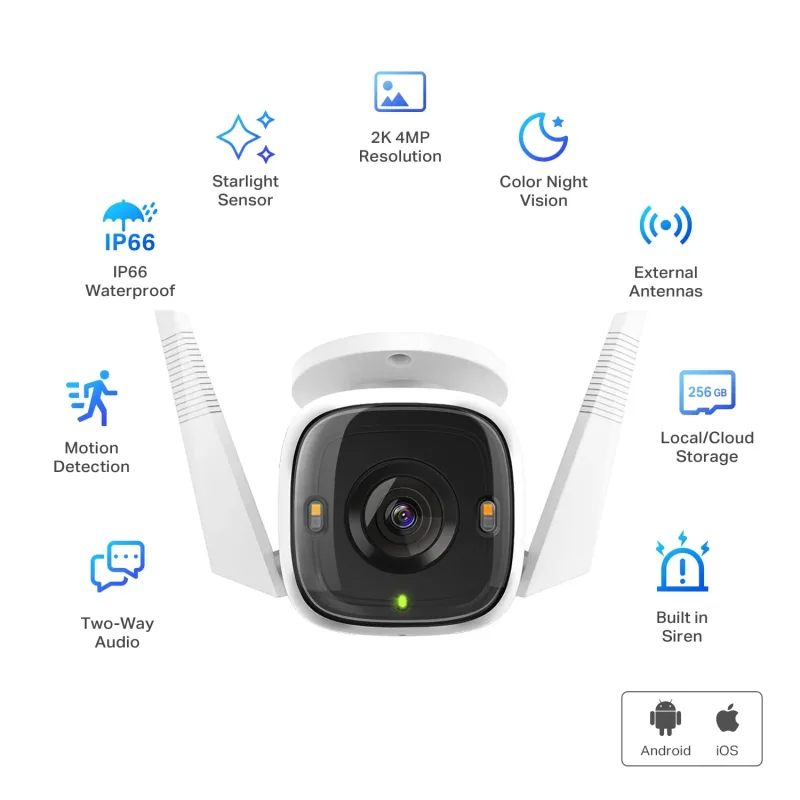
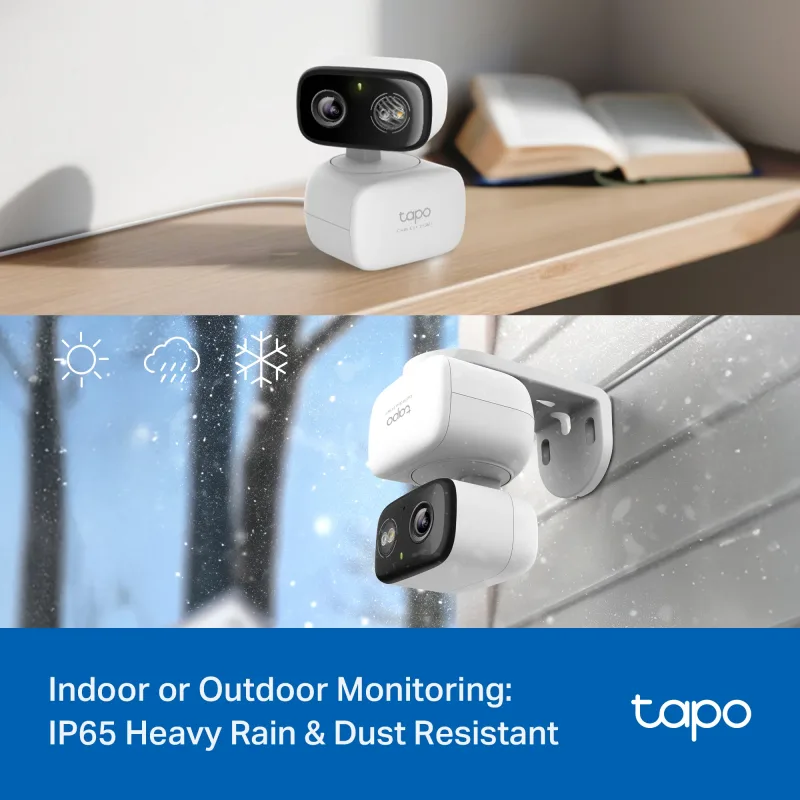
Outdoors, look for weatherproofing and strong night vision. The 2K QHD Outdoor Camera, Tapo C320WS is built for permanent mounting, while hybrid models such as the 2K Pan/Tilt Indoor/Outdoor Security Camera, Tapo C216 HybridCam 360 can move between spaces as your needs change. Hybrid cameras are especially useful if you rent or rearrange furniture often.
Solar and Battery Cameras for Yards and Driveways
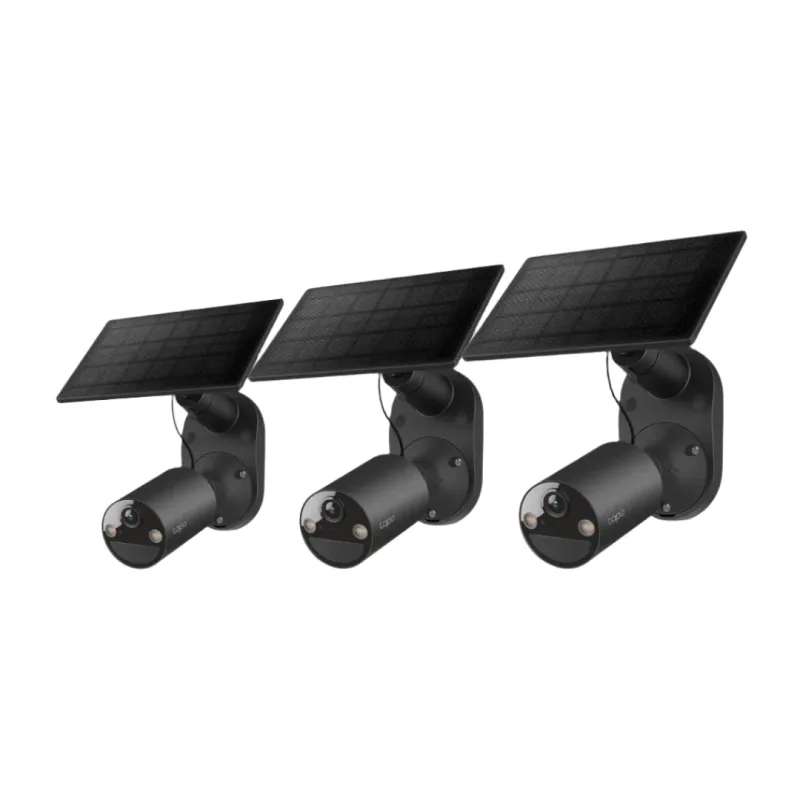
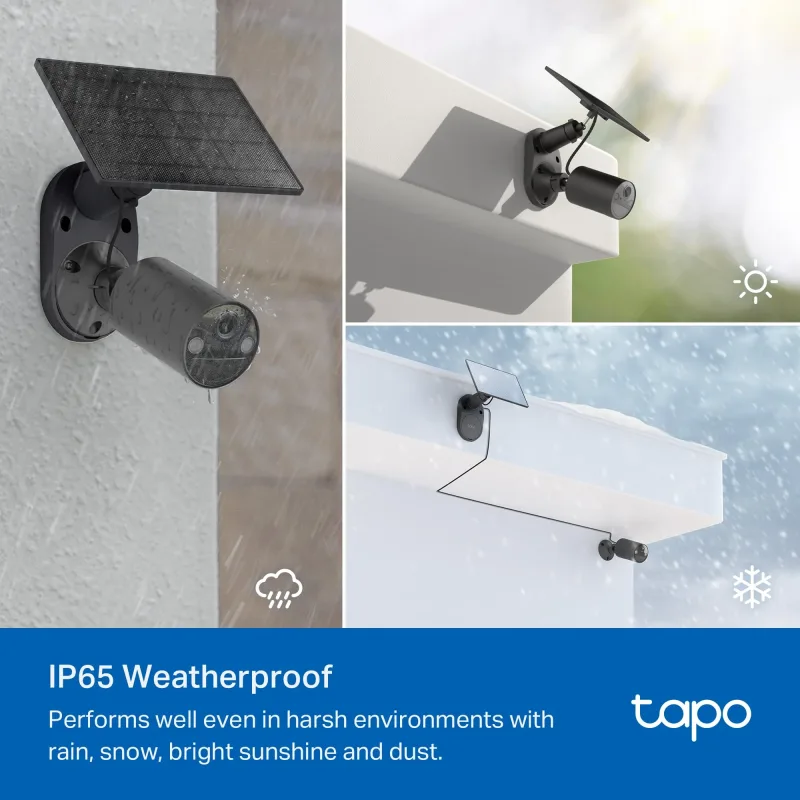
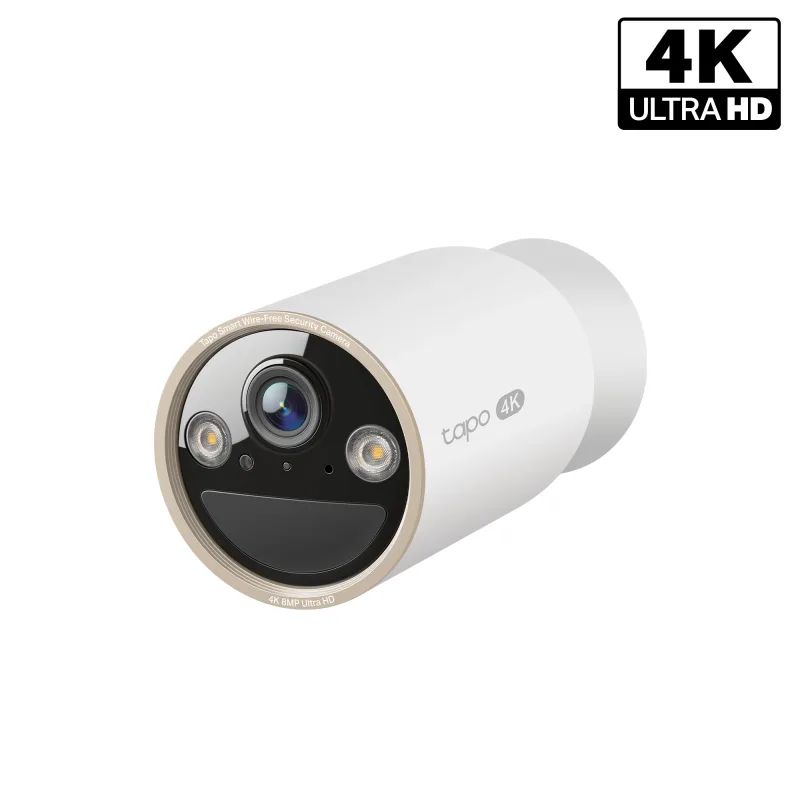
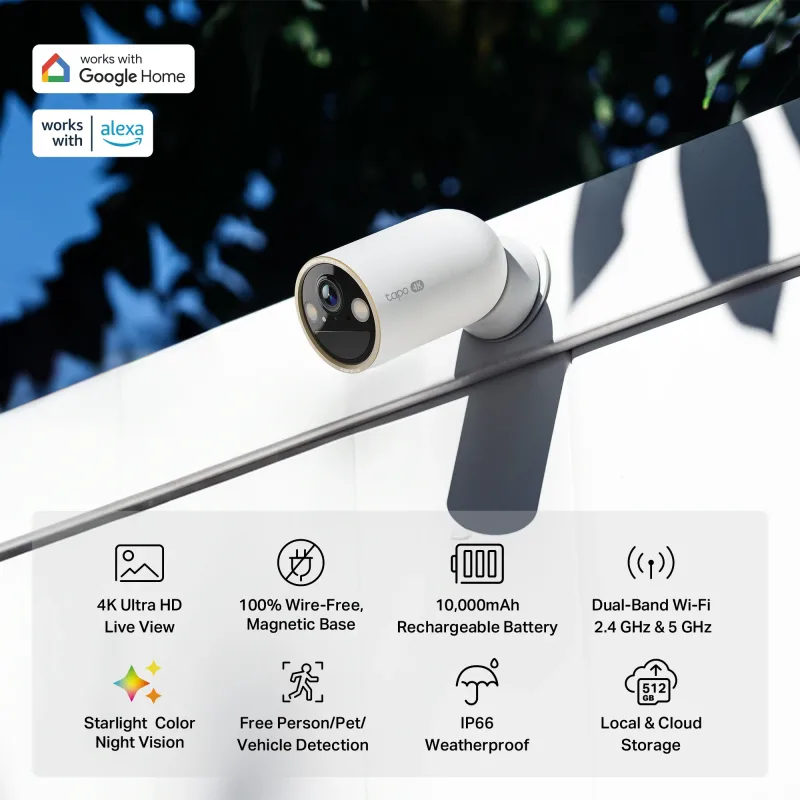
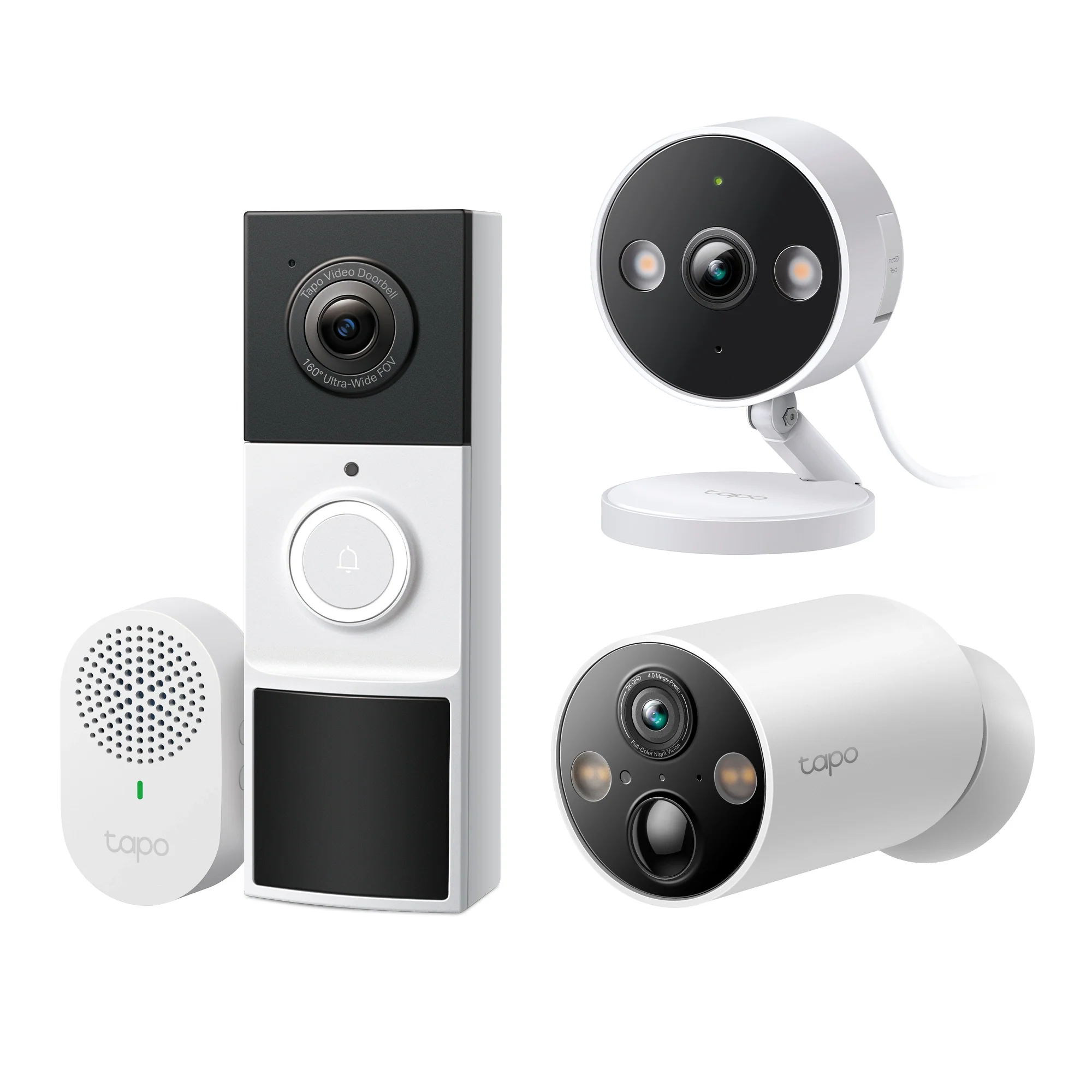
Running power to a far corner of a yard is often the hardest part of an outdoor install. Solar and battery cameras solve that by removing the cable entirely. The SolarCam 1080P Wireless Outdoor Security Camera with Solar Panel, Tapo C403 Kit 3-Pack (Black) keeps a small fleet charged with sunlight, and the MagCam 4K Ultra HD Battery Powered Camera, Tapo C460 steps up to 4K detail for driveways and gates where identifying a license plate or face matters.
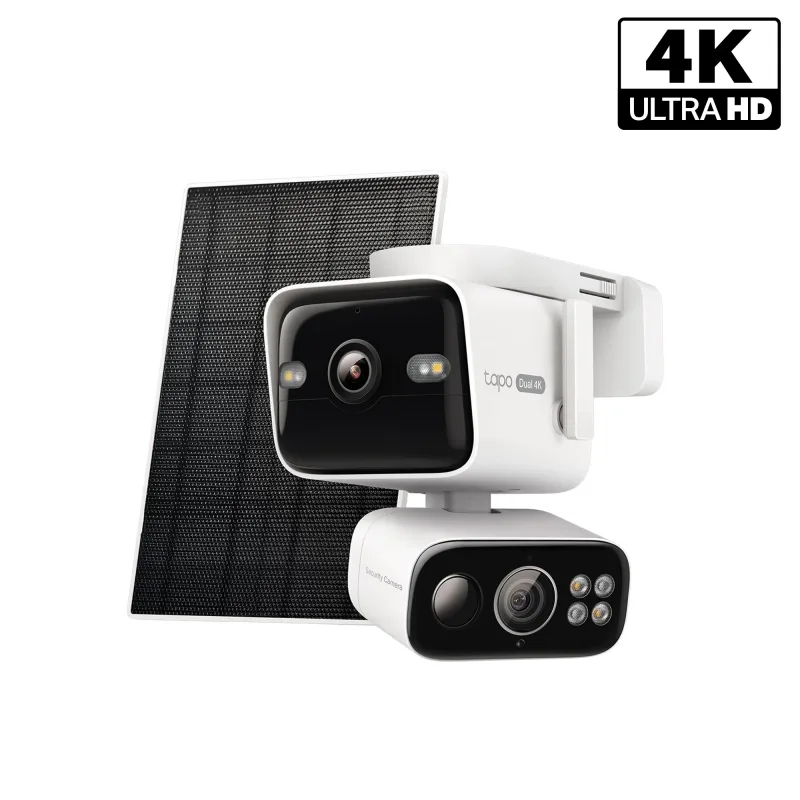
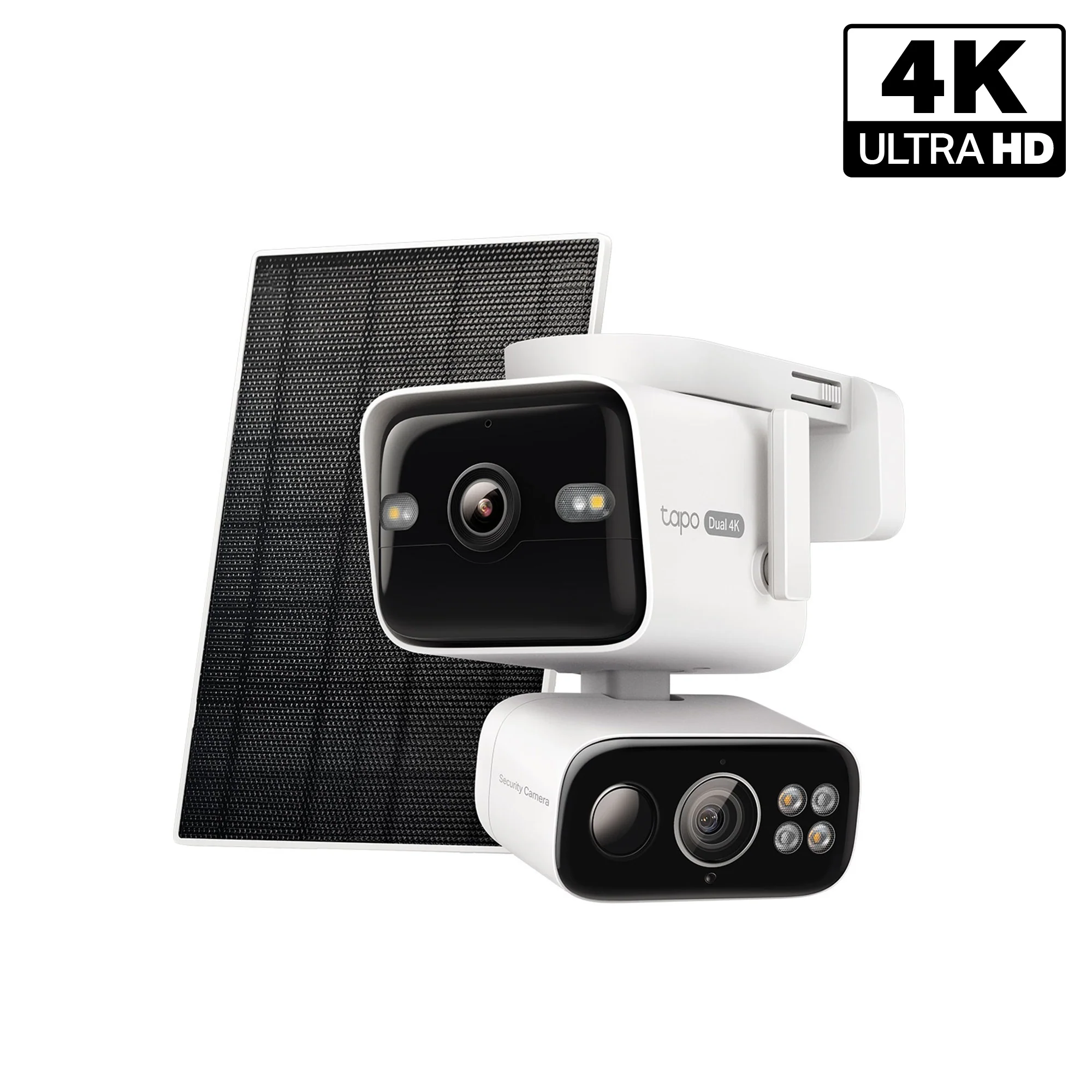
For large properties, the 4K Dual-Lens Solar Pan/Tilt Security Camera, Tapo C675D Kit combines dual lenses with solar charging and pan/tilt movement, so one mount can cover a wide arc without wiring.
Video Doorbells and Smart Locks for the Front Door
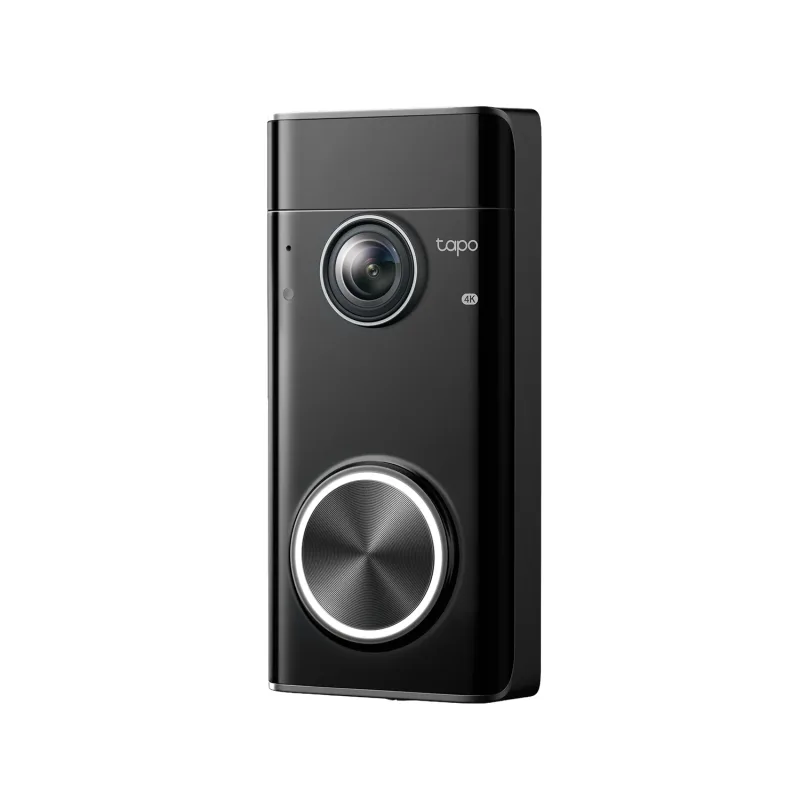
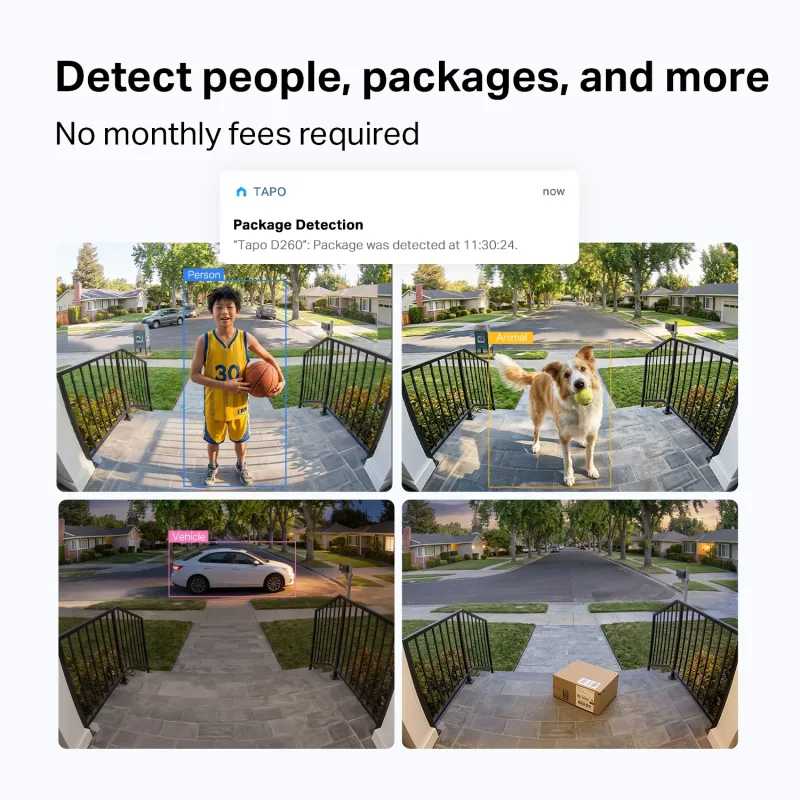
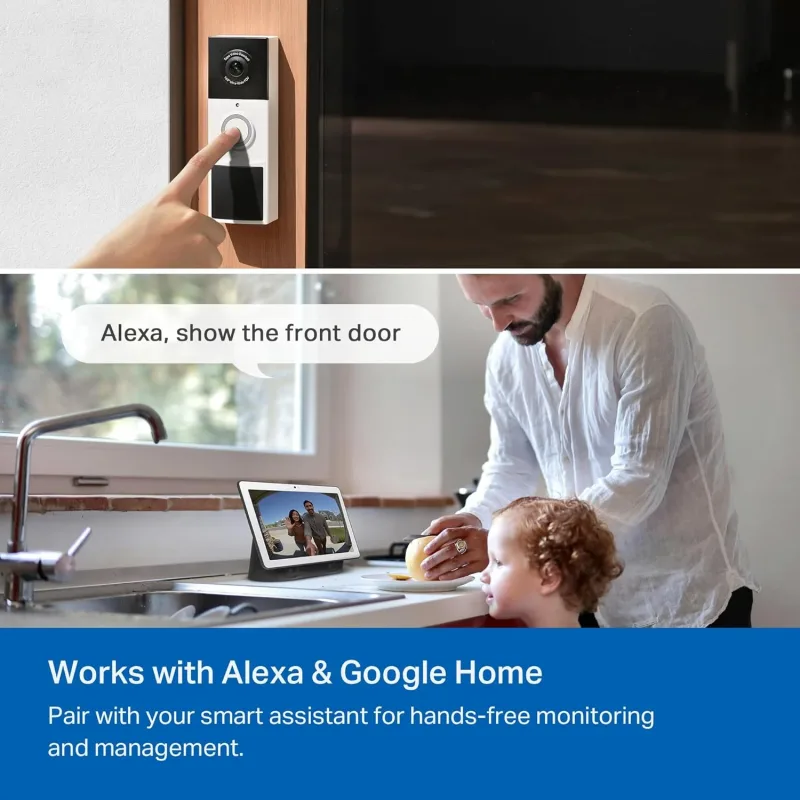
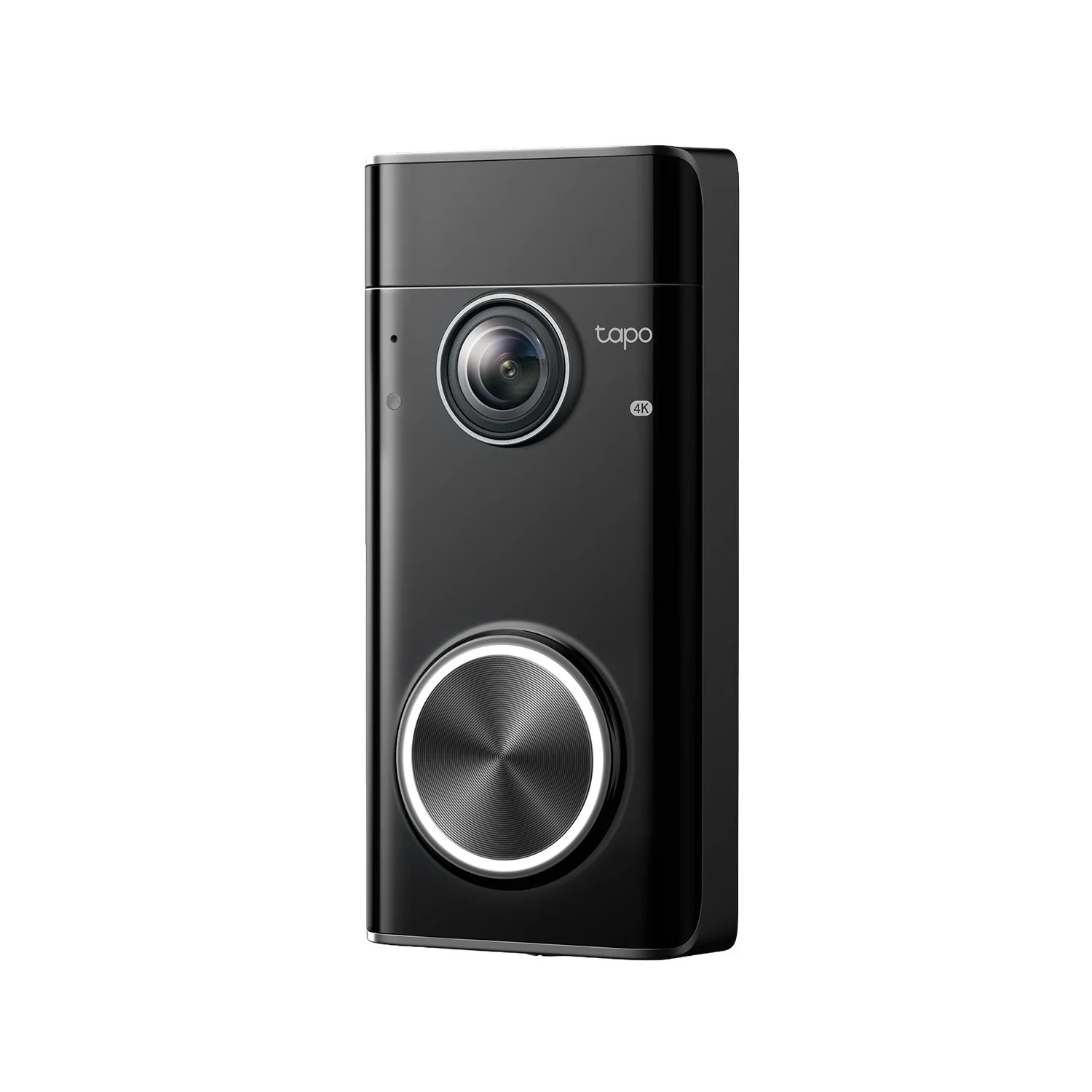
The front door is where most packages arrive and most visitors appear, so it deserves the most attention. A video doorbell gives you a head-to-toe view and two-way talk before you open the door; the Doorbell Pro, 4K Video with Radar Detection Wired/Battery Powered, Tapo D260 adds radar detection for more precise alerts and can run wired or on battery.
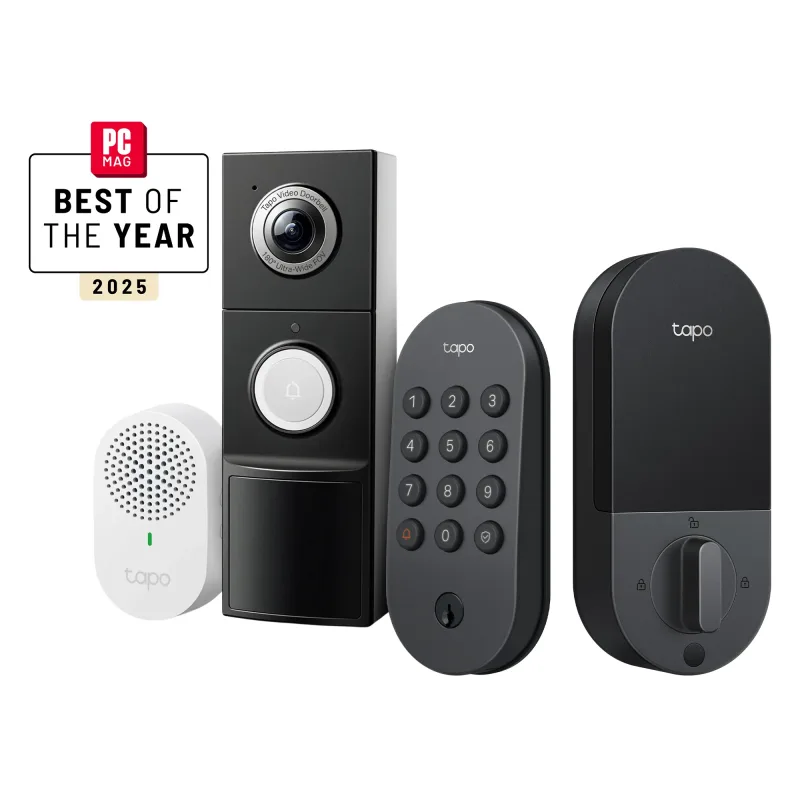
Pairing a doorbell with a keyless lock means you can see who is there and let them in without walking to the door. A bundle such as the Front Door Security Bundle – 2K Video Doorbell Camera + Keyless Door Lock handles both jobs in one purchase, which is simpler than matching components yourself.
Sensors, Hubs, and Lights That Complete the System
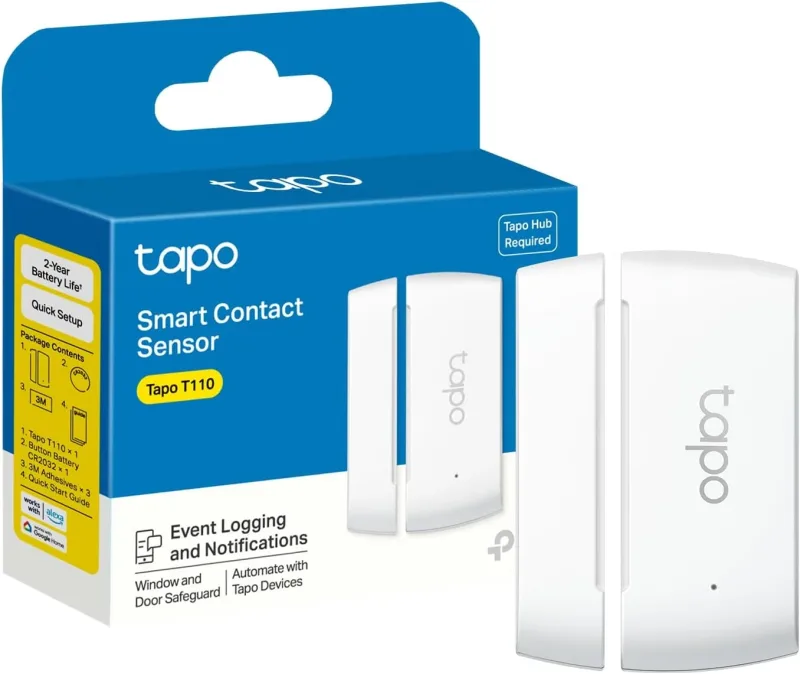
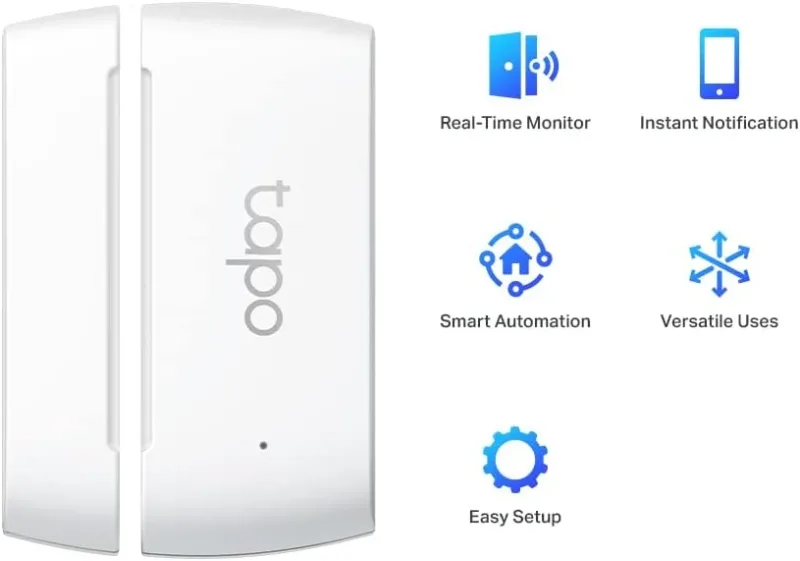
Cameras record what happens; sensors tell you when something is happening in places a lens cannot see. A door/window contact like the Door Sensor Mini, Hub Required, Tapo T110 triggers an alert the moment a window or side door opens, and a Smart Temperature & Humidity Sensor, Hub Required, Tapo T310 watches for conditions that cameras would never catch, such as a failing HVAC system or a damp basement.
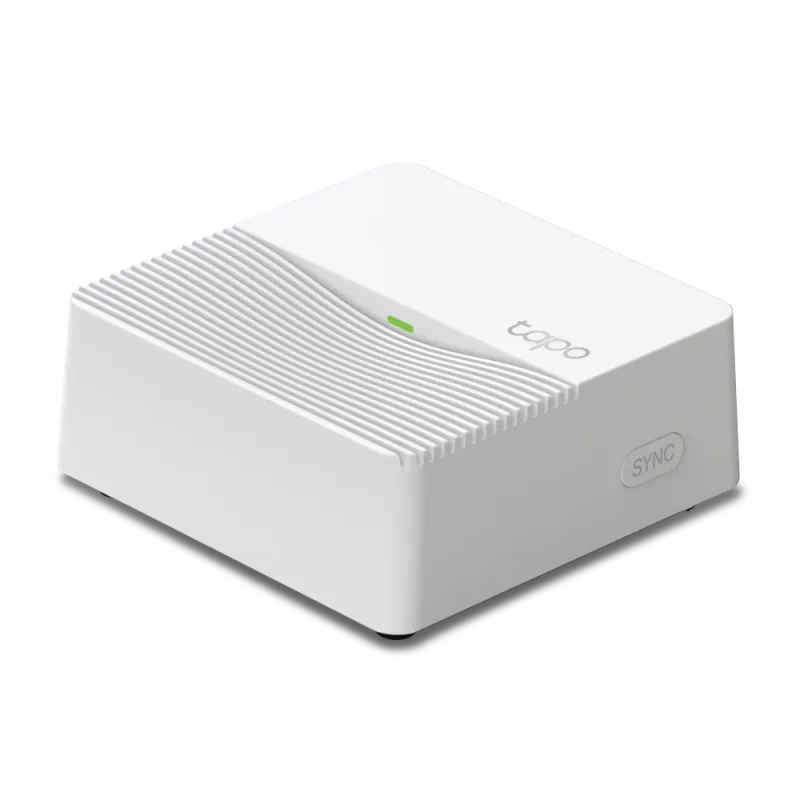
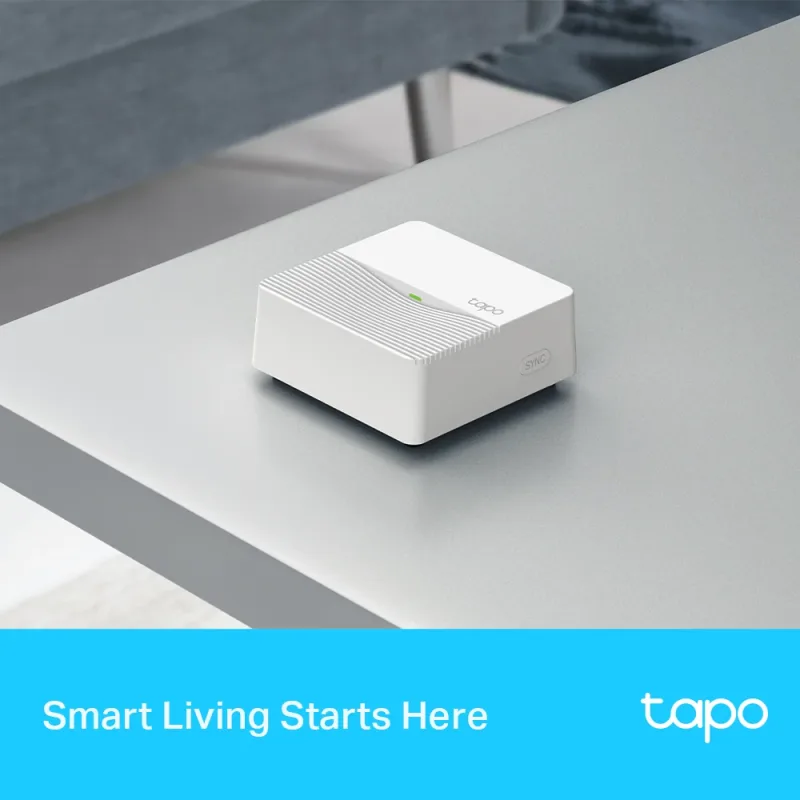
Many of these accessories need a hub to connect. The Smart Hub with Smart Alarm & Chime, Tapo H200 acts as the central brain and chime, linking sensors, buttons, and cameras into one system you control from a single app.
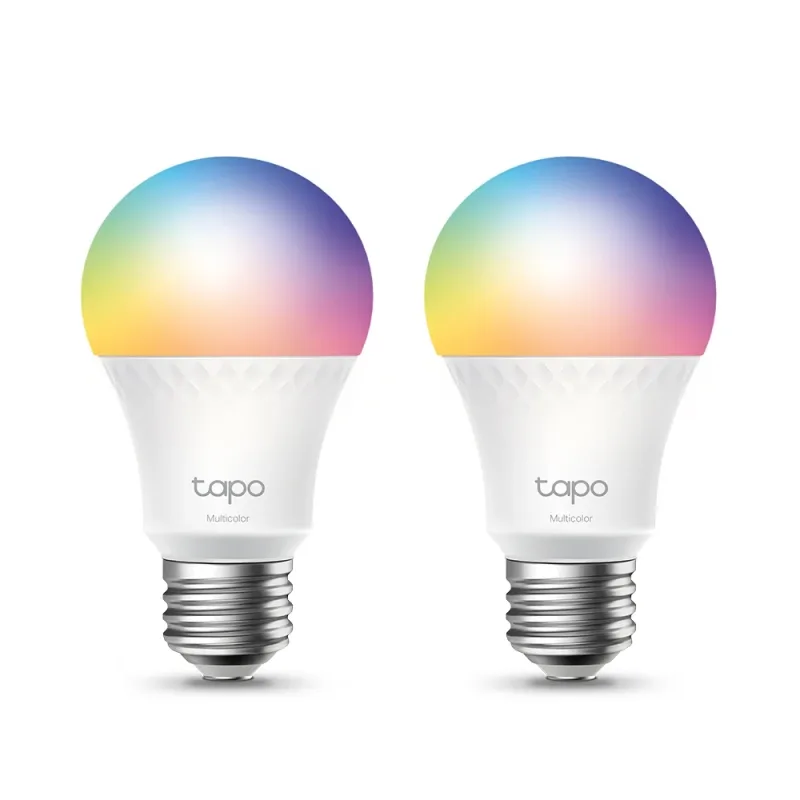
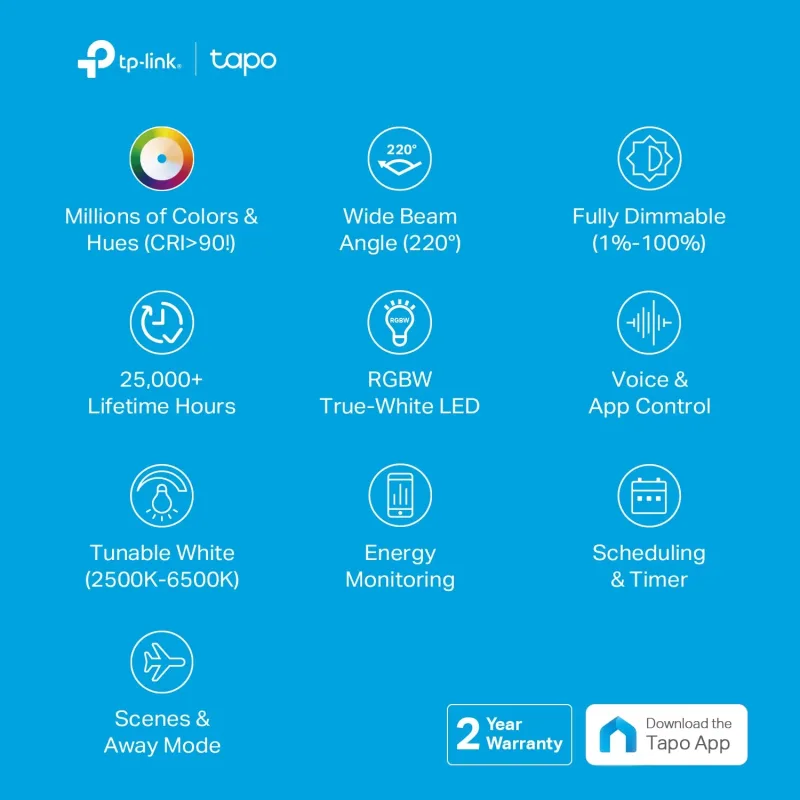
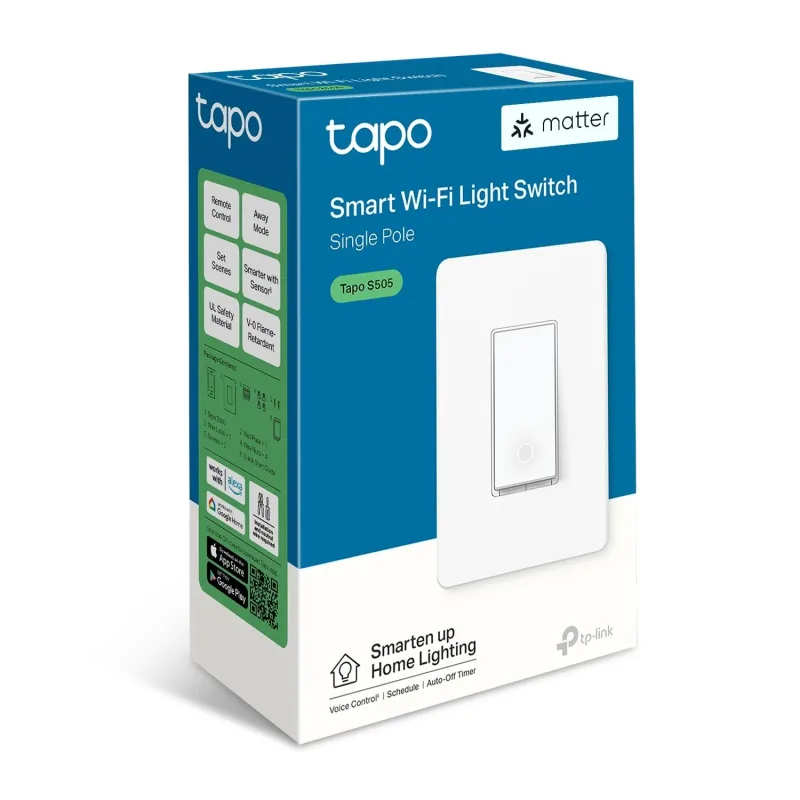
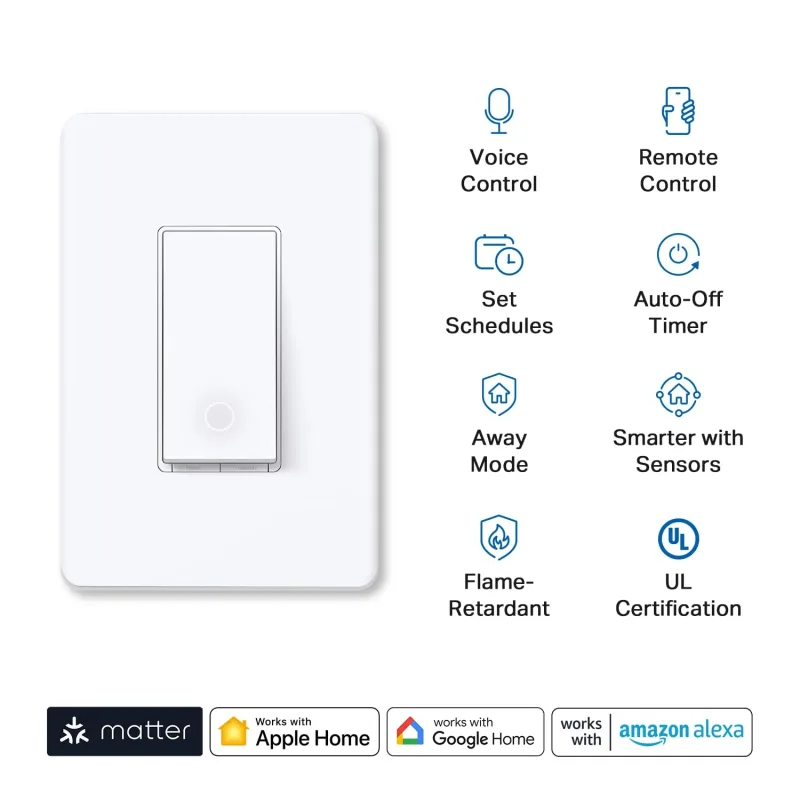
Lighting is the final layer. Smart bulbs and switches let you schedule lights that make a home look occupied, and they can be tied into the same routines as your cameras. The Dimmable RGBW Smart Light Bulbs, Tapo L530E(2-Pack) are an easy starting point for porches and entryways, while the Matter-Certified Single Pole Smart Light Switch White, Tapo S505 upgrades existing fixtures without changing bulbs.
Choosing the Right Bundle and Wi-Fi Coverage
Once you know which rooms and zones you want to cover, bundles usually save money and remove compatibility guesswork. For a whole-home approach, the Tapo No-Drill Home Security Bundle is designed for renters or anyone who wants to avoid drilling into walls, while multi-camera kits cover larger layouts in one order.
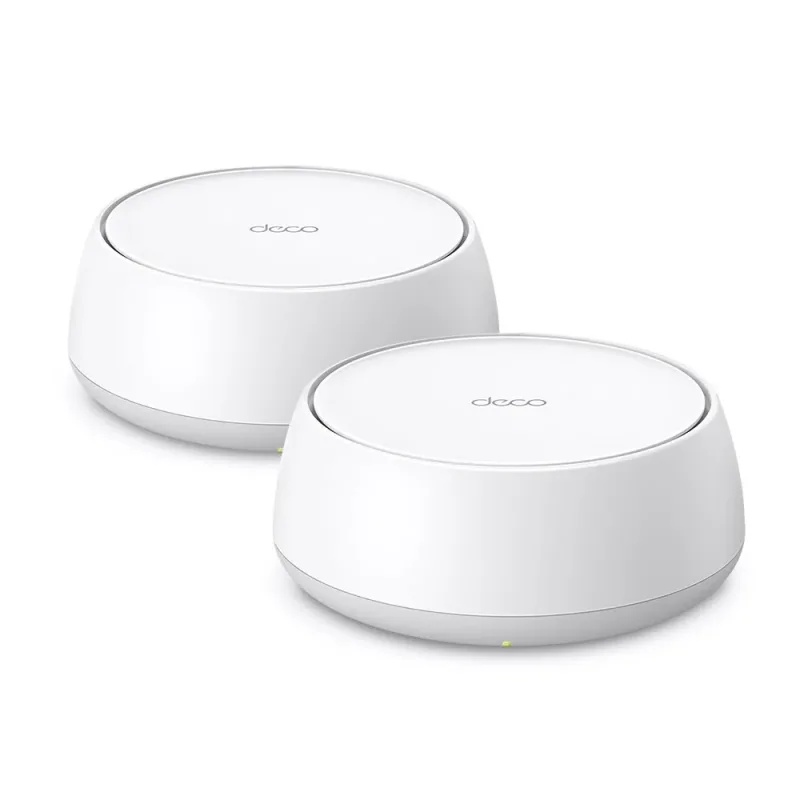
None of this works well on weak Wi-Fi. Cameras stream constantly, and multiple 2K or 4K feeds can overwhelm a single router. A mesh system such as the Deco 7 BE3600 Dual-Band Wi-Fi 7 Mesh System, Deco BE23 2-Pack spreads a stable signal to garages, backyards, and upper floors so every camera stays online.
A simple way to plan
- Start with one indoor camera for the main living area and one outdoor camera for the most exposed entry.
- Add a video doorbell and keyless lock if packages or visitors are a concern.
- Layer in sensors and a hub to catch events cameras cannot see.
- Finish with smart lighting and mesh Wi-Fi so the whole system runs reliably.
Build in stages, test each device where you plan to mount it, and expand as you learn which spots matter most. A well-planned setup beats a pile of cameras every time.