Smart Home Security Camera Buying Guide for Indoor & Outdoor
Choosing a smart home security camera can feel overwhelming once you start comparing resolution numbers, power options, and hub requirements. This guide walks you through what actually matters, from indoor versus outdoor placement to how a video doorbell or smart door lock fits into the same app as your cameras.
Indoor vs. Outdoor Security Cameras: What to Look For
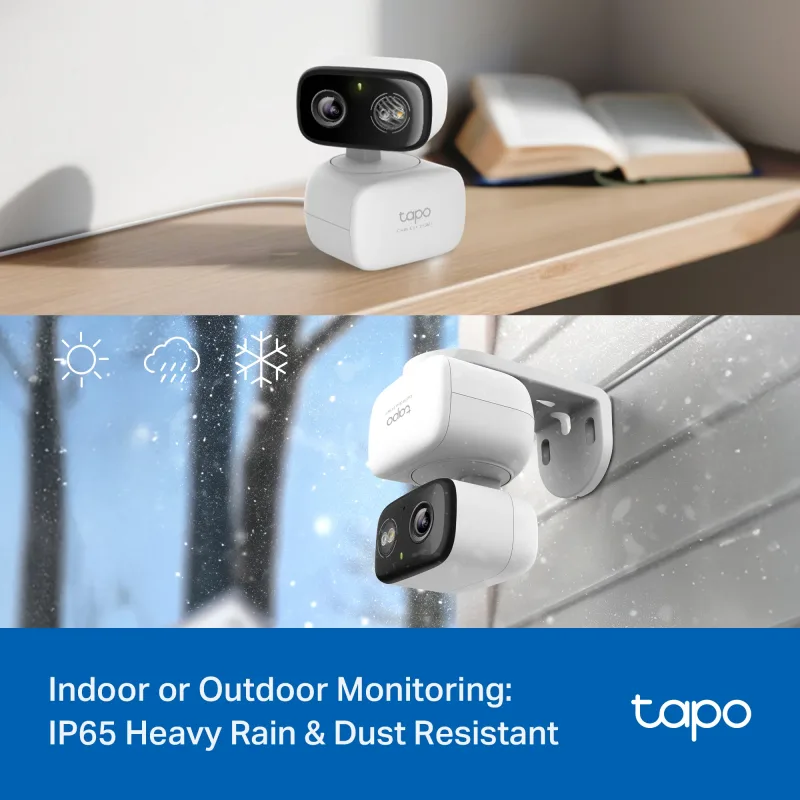
The first decision is where the camera will live. Indoor cameras prioritize a wide, pan/tilt view of a room, two-way audio for talking to family or pets, and a compact design that sits on a shelf or shelf mount. Outdoor cameras need weather sealing, night vision that handles porch lights and headlights, and a power strategy that survives rain, heat, and cold.
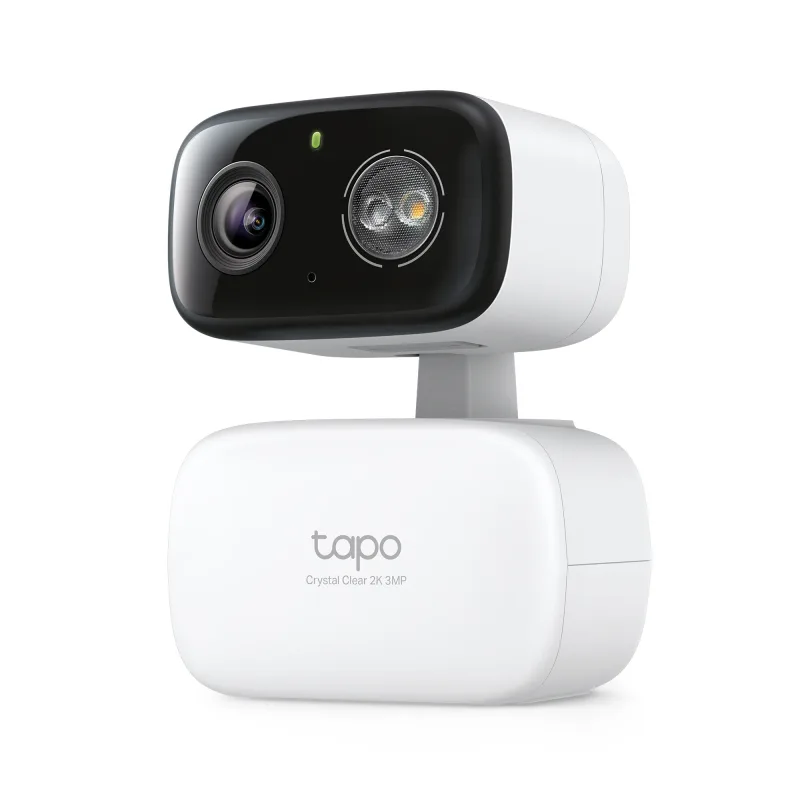
If you only want one camera to cover a doorway, patio, or garage, a hybrid model that works both indoors and outdoors gives you the most flexibility. For example, the 2K Pan/Tilt Indoor/Outdoor Security Camera, Tapo C216 HybridCam 360 covers a full room or a yard with motorized rotation, so you can reposition the view from your phone instead of climbing a ladder.
- Indoor: pan/tilt coverage, privacy shutter or mode, clear two-way audio.
- Outdoor: IP-rated housing, color night vision, solar or battery power.
- Both: local microSD recording plus cloud options, motion zones, and app alerts.
Key Features Explained: 2K vs. 4K, Pan/Tilt, Solar, and Smart Hubs
Resolution: 2K, 3K, and 4K
1080P is fine for a small room where you mainly want to know that someone entered. 2K adds enough detail to read a face or a license plate at close range. 3K and 4K matter most for driveways, long yards, and multi-lane streets where the subject is far from the lens. A good middle ground for most homes is a 2K camera indoors and a 4K camera outdoors.
Pan, Tilt, and Dual-Lens Designs
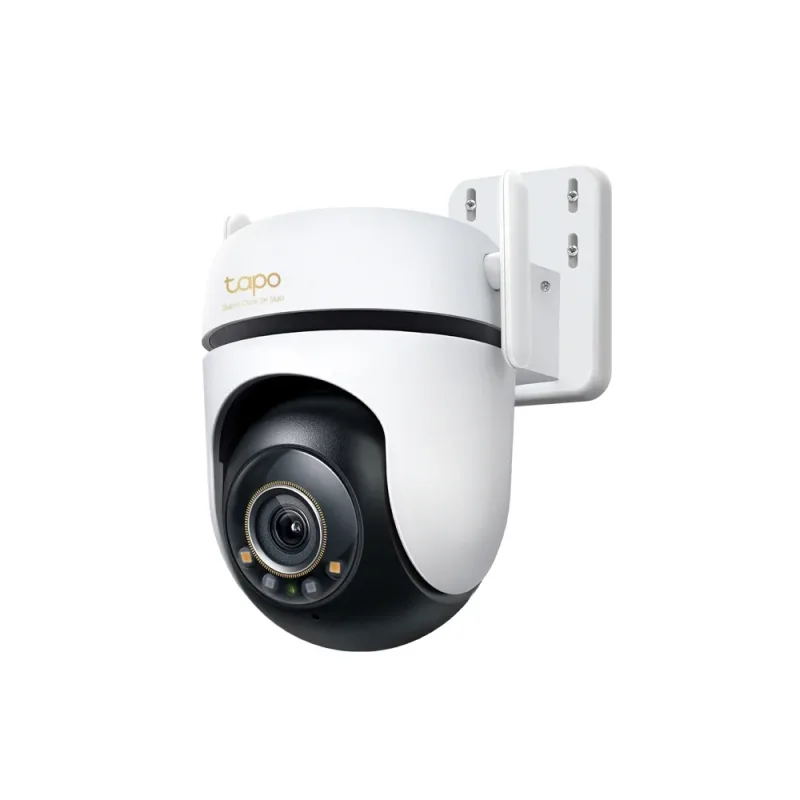
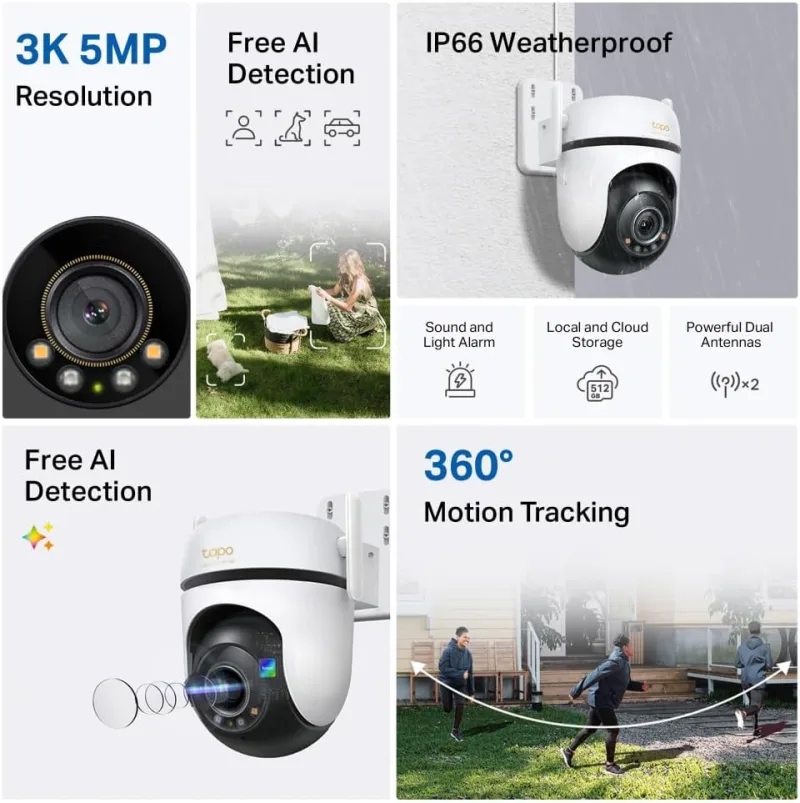
Pan/tilt cameras rotate to follow activity, which reduces the number of units you need. Dual-lens models take that further by showing a wide overview and a zoomed view at the same time. The Pan/Tilt 3K 5MP 360 Outdoor Security Camera, Tapo C530WS is a strong pick for a driveway or side yard where you want one device to sweep the whole area.
Power: Solar, Battery, or Wired
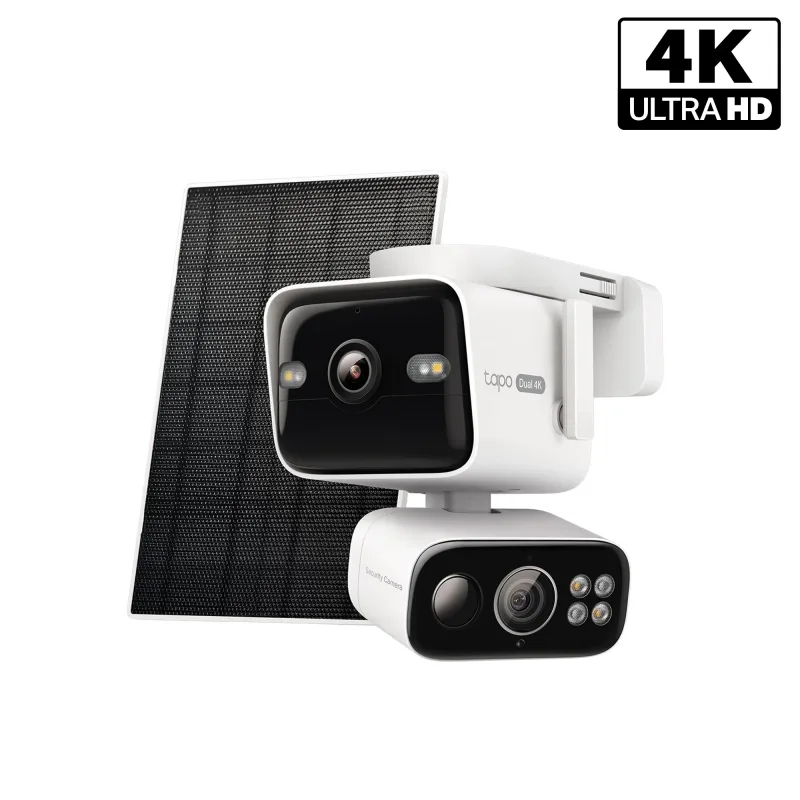
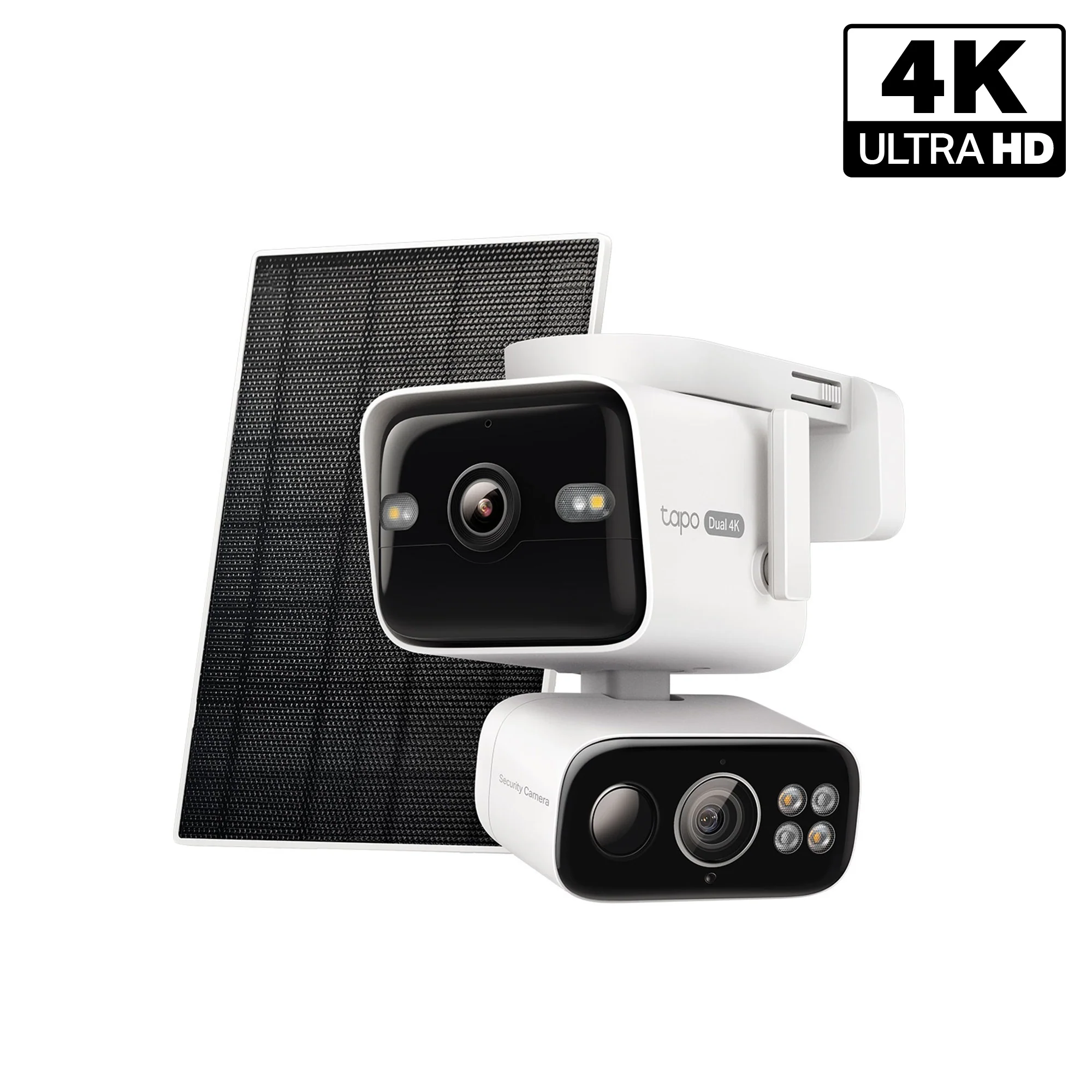
Wired cameras never need charging but require an outlet near the mount. Battery cameras install anywhere but need periodic charging. Solar kits split the difference, trickling power to the battery so you rarely think about it. The 4K Dual-Lens Solar Pan/Tilt Security Camera, Tapo C675D Kit combines 4K detail with a solar panel and pan/tilt movement, which suits rooftops and fence lines where running cable is impractical.
Smart Hubs and Matter
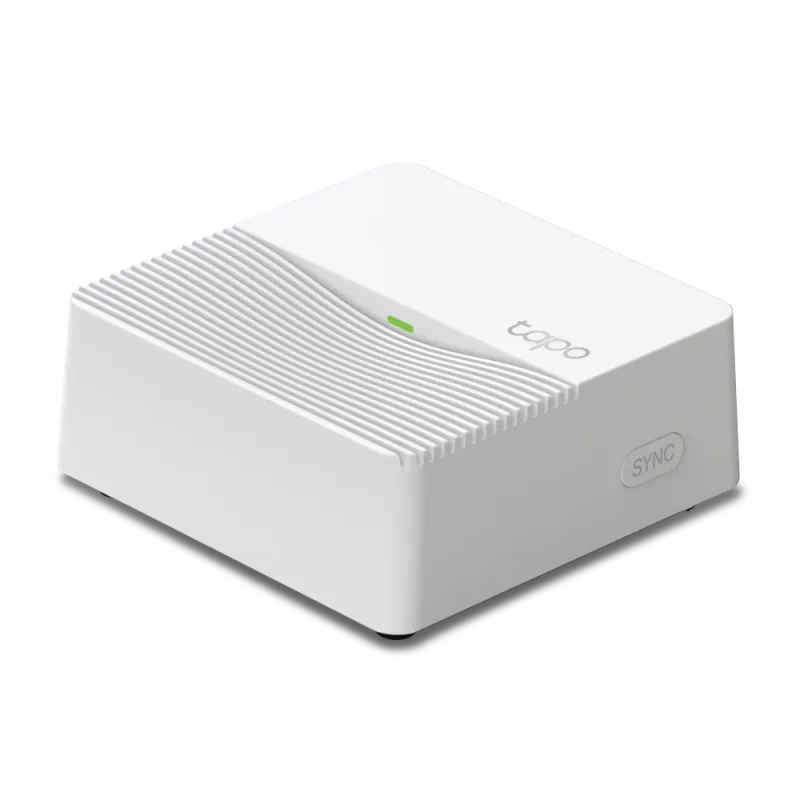
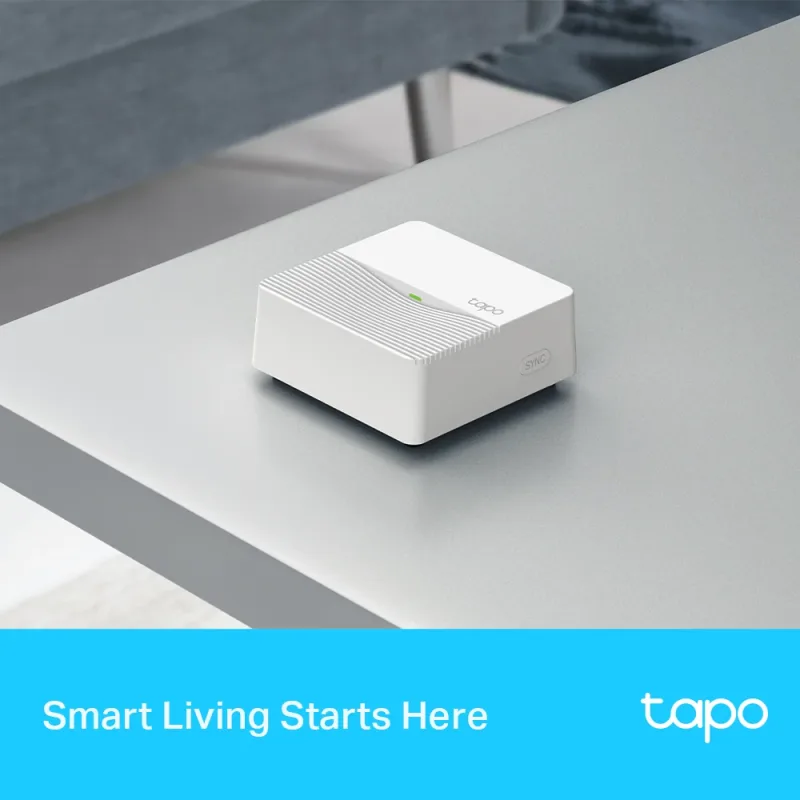
A hub centralizes recordings and lets battery cameras, sensors, and alarms talk to each other. Matter-certified devices also work across ecosystems, so your switches and plugs are not locked to one platform. If you plan to add sensors later, the Smart Hub with Smart Alarm & Chime, Tapo H200 acts as the brain for door sensors, temperature sensors, and chimes.
Video Doorbells and Smart Door Locks: Securing Your Front Door
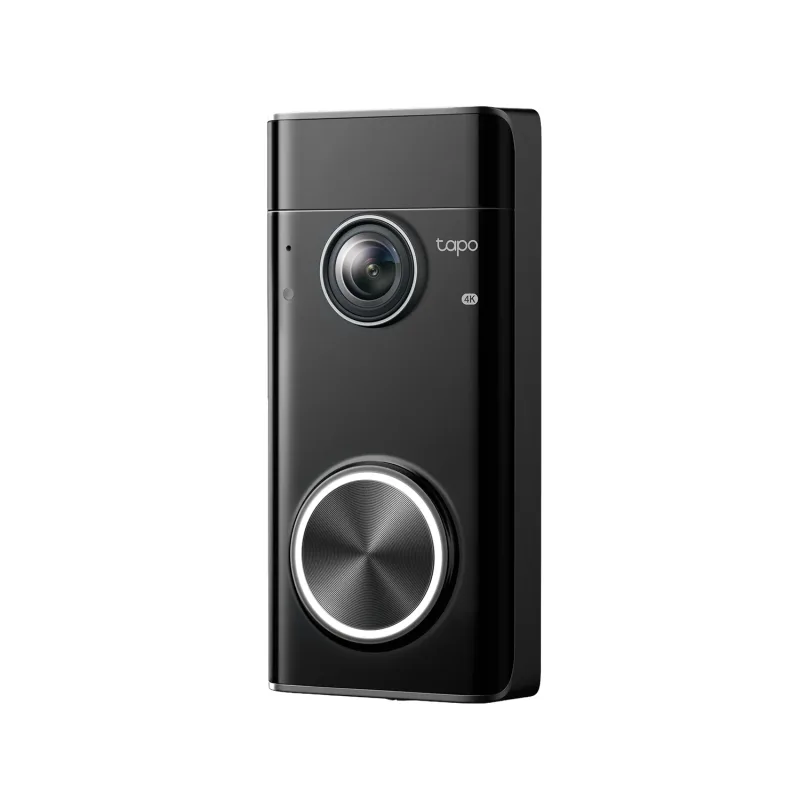
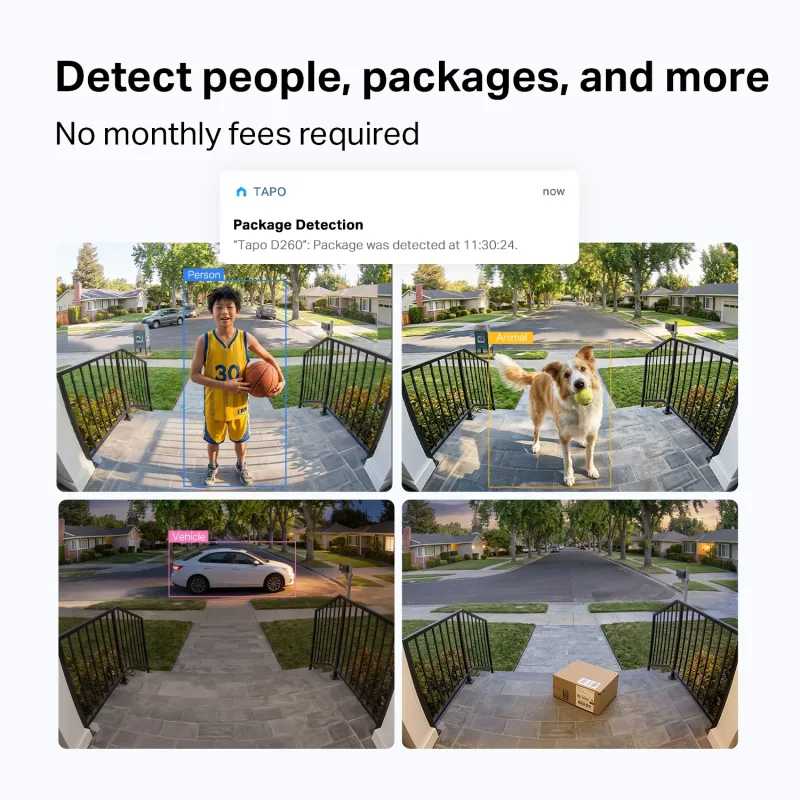
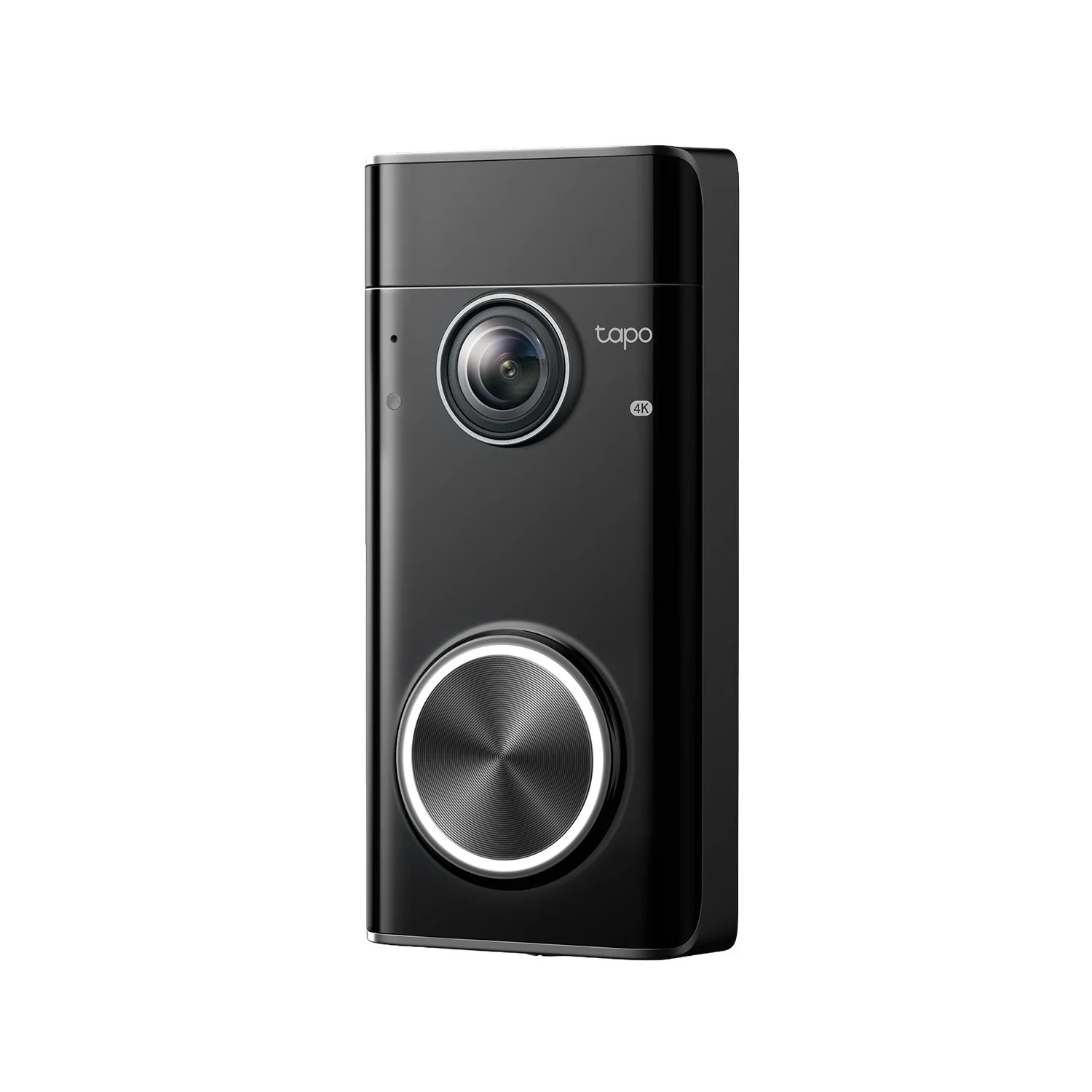
The front door is where cameras earn their keep. A video doorbell shows you who is there before you open the door, and radar or PIR detection cuts down on false alerts from passing cars. The Doorbell Pro, 4K Video with Radar Detection Wired/Battery Powered, Tapo D260 can run on existing doorbell wiring or on battery, which helps in older homes without low-voltage wiring.
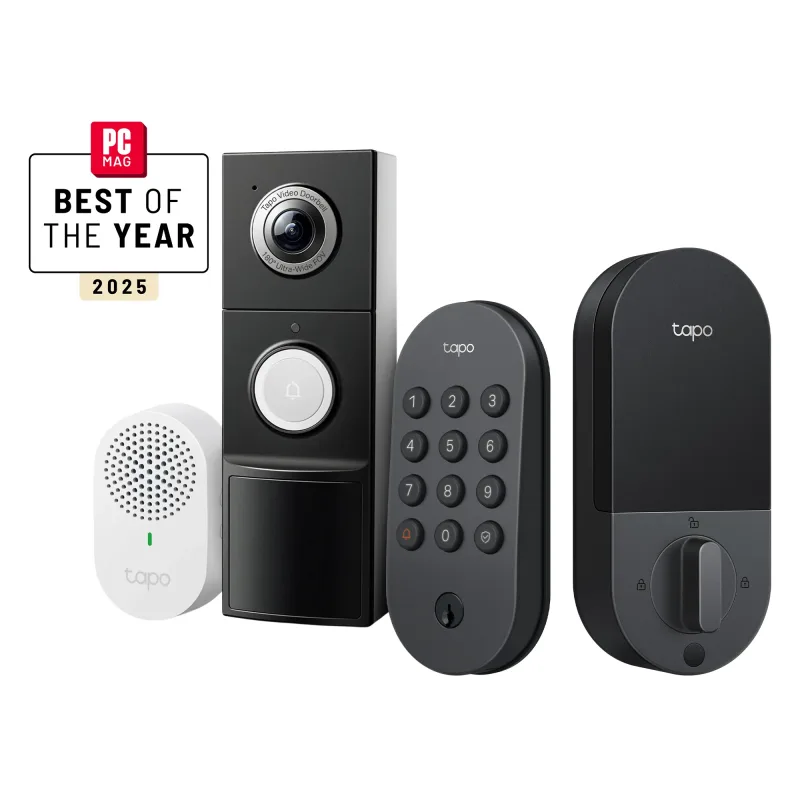
Pair a doorbell with a keyless lock so you can let in a delivery, a dog walker, or a family member without handing out keys. A combined bundle is often the simplest route: the Front Door Security Bundle – 2K Video Doorbell Camera + Keyless Door Lock covers both jobs and keeps everything in one app.
Sensors, Lights, and Mesh Wi-Fi: Completing Your Smart Home Setup
Cameras tell you what happened; sensors and lights help prevent it. A door sensor on a side gate or window triggers a recording and a chime. Smart dimmers and bulbs create the lived-in look that discourages prowlers, and motion-triggered lighting turns a dark driveway into a well-lit one.
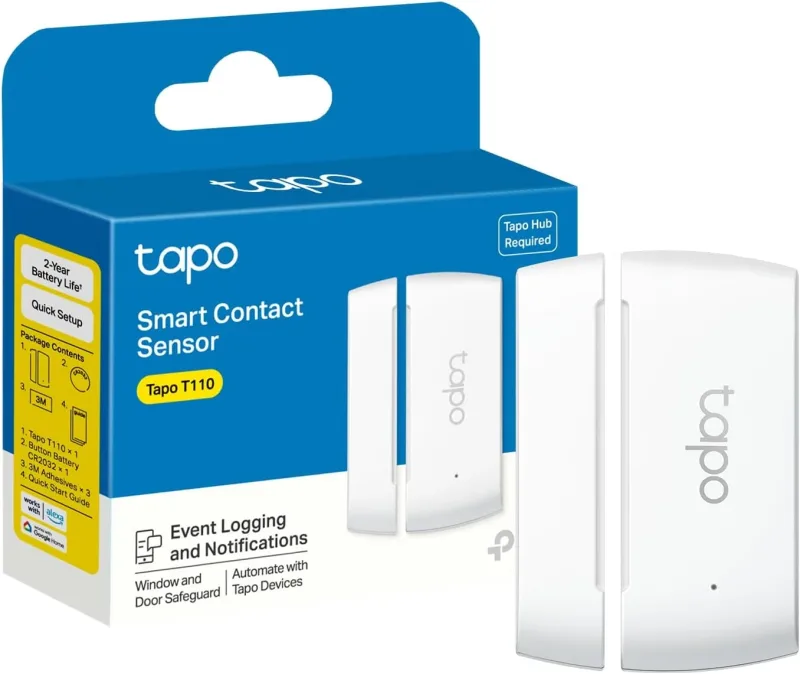
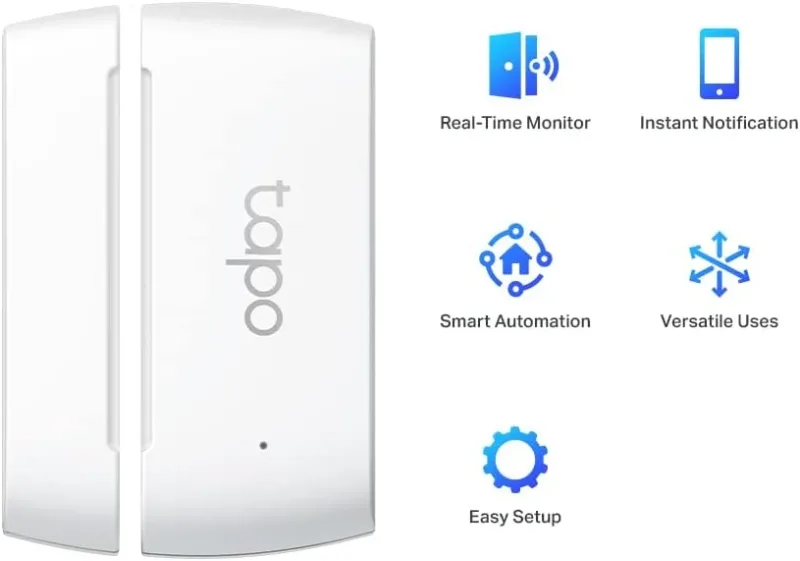
- Entry sensors: the Door Sensor Mini, Hub Required, Tapo T110 pairs with a hub to alert you when a door or window opens.
- Lighting: Matter-certified switches and dimmable RGBW bulbs let you schedule porch and hallway lights.
- Network: a mesh system keeps multiple 2K and 4K streams from choking your Wi-Fi, which matters once you pass three or four cameras.
Start with the camera coverage you need most, then layer sensors, lighting, and mesh Wi-Fi as your setup grows. That way every addition works with what you already own instead of creating another app to check.
Matching Tapo Cameras and Accessories to Your Home
Match the camera to the job rather than buying the highest number on the box. A single indoor camera handles an apartment. A doorbell plus one outdoor camera covers most houses. Larger properties benefit from solar pan/tilt units, a hub for centralized recording, and a mesh network to carry the traffic.
Whatever you choose, keep the ecosystem consistent. Sticking with one brand family means one app, shared storage, and automations that actually trigger each other, from the moment motion is detected to the light that comes on and the chime that sounds inside.